
Make profitable extras easier to discover
Place pairings, add-ons, premium options, and seasonal specials next to the choices they complement, so upselling becomes part of the menu structure.
QR menu benefits
With ListoQ, give guests a clear, current menu on their phone, make profitable choices easier to notice, and reduce the repeated work behind price, item, and availability updates.
The practical value
A better menu supports both sales and service.
Business outcomes
The value comes from clearer choices for guests and more control for the team, not from replacing hospitality.
Photos, useful descriptions, visible add-ons, and well-organized categories can help guests discover drinks, sides, desserts, and upgrades they might otherwise miss.
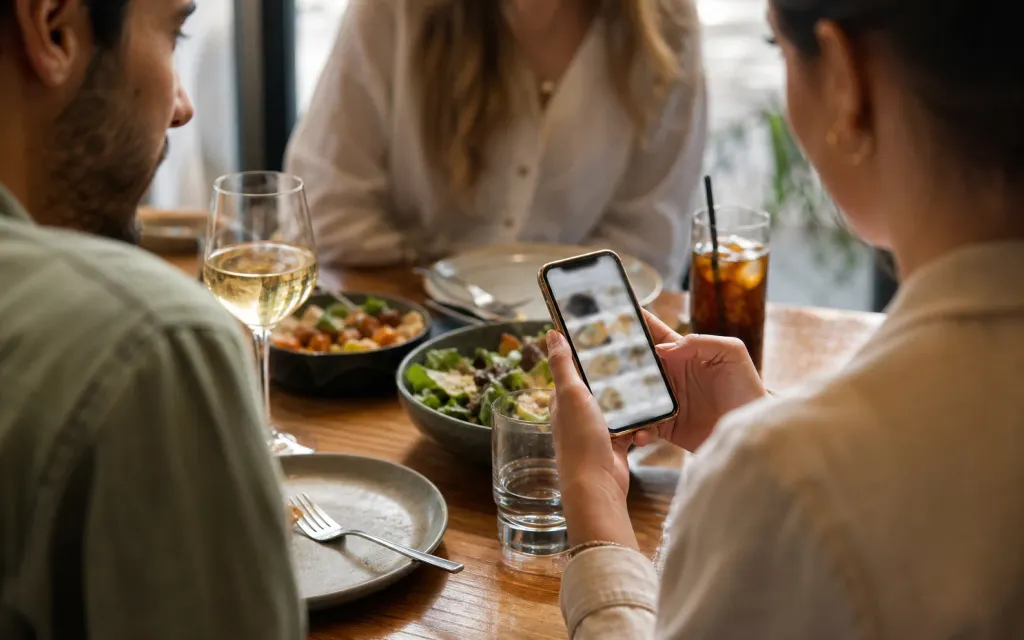
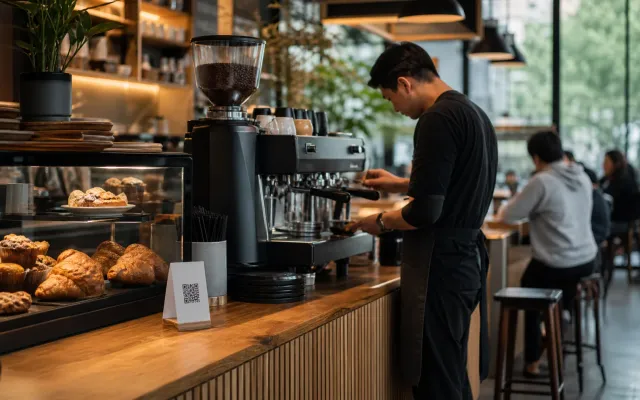
Guests can start browsing as soon as they sit down or reach the counter, while staff spend less time handing out menus and repeating routine details.
Update one price or a whole category by a percentage, mark sold-out items, and change seasonal dishes, allergens and descriptions without redesigning or reprinting the menu.
Sales and service
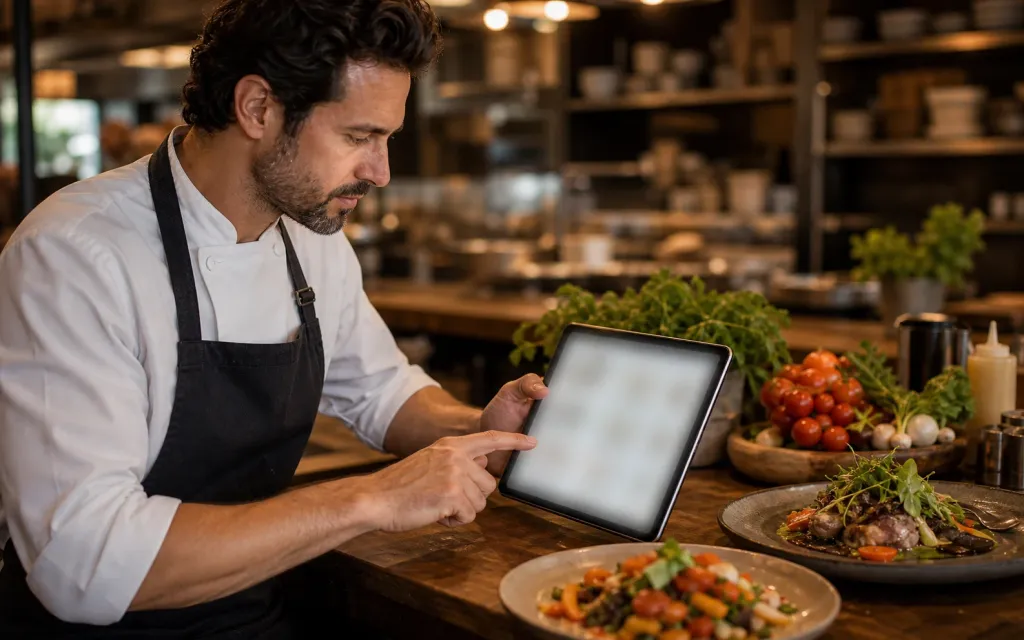
A QR menu works best when it removes small points of friction: waiting to see the offer, searching for key details, or discovering too late that an item is unavailable.
Place pairings, add-ons, premium options, and seasonal specials next to the choices they complement, so upselling becomes part of the menu structure.
Clear categories, photos, prices, ingredients, allergens, and dietary information reduce uncertainty and help guests compare options at their own pace.
When the menu answers routine questions clearly, the team can focus on recommendations, special requests, and the parts of service that need a human touch.
For your team and your guests
Your team gets an admin built for daily changes. Your guests get a menu page that looks like your venue and reads well on a phone.
For your team
Day-to-day updates take moments, not a redesign. Everything stays in a draft until you publish.
For your guests
A clean mobile page guests open from a QR code or link, instead of zooming into a PDF.
QR code and link
The same ListoQ menu answers the guest at the table, the follower scrolling your profile, and the person deciding on the pavement outside.
Print the QR code once
The code resolves through your venue rather than through a fragile address. Rename the venue or republish the menu as often as you like — every printed code, sticker, and table tent keeps working.
Table tents, menu stands, and receipt footers put the current menu in front of seated guests.
A window sticker or A-board lets people check dishes and prices before they decide to come in.
One link in the bio that never needs replacing when the menu changes.
Add the menu link to your map profile so it shows up when someone searches for a place nearby.
Send the menu instead of a photo when someone asks what you are serving today.
Bag inserts, flyers, and event handouts all point at the same up-to-date menu.
Why venues switch
Not just a better-looking page — a different way of running the menu day to day.
Printed menu
With ListoQ
Printed menu
A price change means a trip to the print shop.
With ListoQ
A price change is one edit and one publish.
Printed menu
Sold-out dishes get explained table by table, all evening.
With ListoQ
Hide the dish once and every guest sees the current list.
Printed menu
A second language means a second printed menu to carry.
With ListoQ
One menu carries every language your guests read.
Printed menu
Reworking the menu means reprinting the QR codes too.
With ListoQ
One printed code keeps working through every change.
Printed menu
The look of the menu is whatever the print template allowed.
With ListoQ
Your colors, your fonts, your cover image — changed in a minute.
Make the benefits real
Industry research shows strong interest in faster digital access, but guests still expect clarity and hospitality. The best results come from a mobile-first page and a workflow that keeps information accurate.
Readable type, clear categories, and tap-friendly navigation make the experience easier than pinching and zooming a printed layout.
Remove sold-out items and publish price or seasonal changes before guests order from outdated information.
Use QR access to support the team and keep a printed or assisted option available when it better fits the guest.
QR menu questions
Practical answers for owners comparing a digital menu with a printed or static menu.
A QR menu gives guests quick access to current dishes, drinks, prices, photos, and allergens. It also lets the venue update content without repeated printing and creates more room to present add-ons, pairings, and seasonal offers clearly.
Next Step
Start with your real content and keep one access point as your offer changes.