
Restaurants
A restaurant QR menu you can change between lunch and dinner
Supplier prices move, dishes come off after service, guests arrive without your language, and every plate needs an allergen label. ListoQ puts all of it in one workspace, behind a QR code that never has to be reprinted.
Why it works
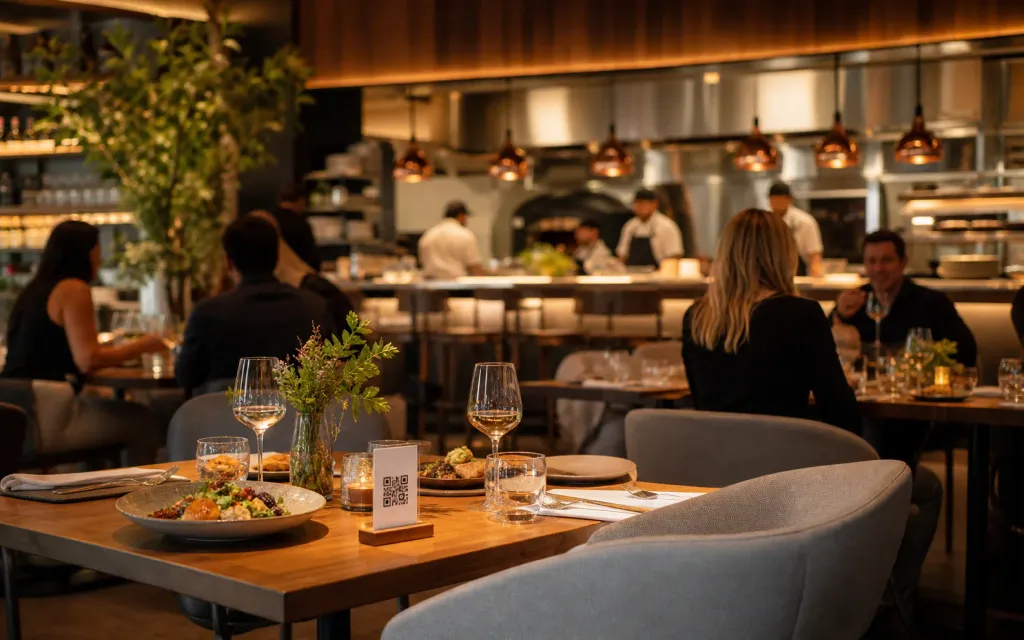
One publish updates the table, the window, the insert and the link in your bio, so no guest is quoted last season’s price.
The daily reality
A restaurant menu goes out of date while you are still using it. A supplier price moves, a dish comes off after service, the seasonal card starts in two weeks, and the printed version, the PDF on the site and the photo in your profile all say something different.
ListoQ makes one version the real one. Edit dishes, prices, photos, allergens and languages in the admin workspace, publish when the menu is ready, and every table code, insert and link points at what you just published.
From the team
“A menu is only useful while it is true. Everything here is built so that the true version is also the easy one to publish.”
The ListoQ team
What makes the difference
From the guest’s first scan to your next update
Three moments decide whether a digital menu is worth having: what the guest sees, how quickly you can change it, and whether one printed code can carry both.
01. Present clearly
Put the whole dish on the page
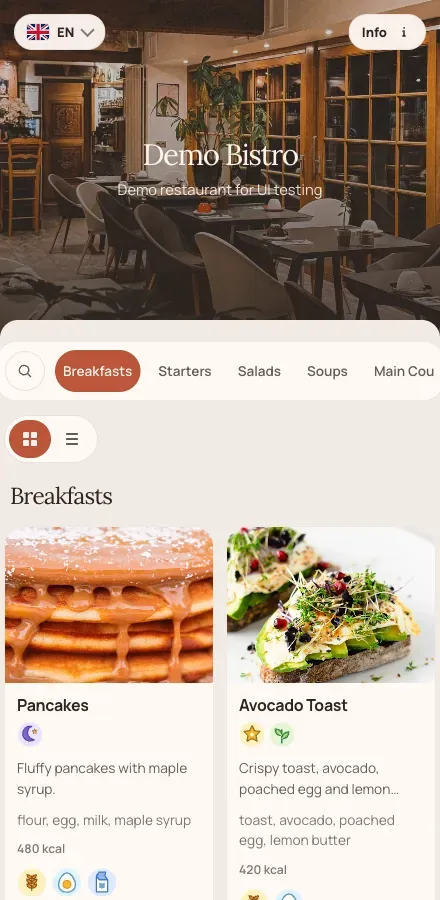
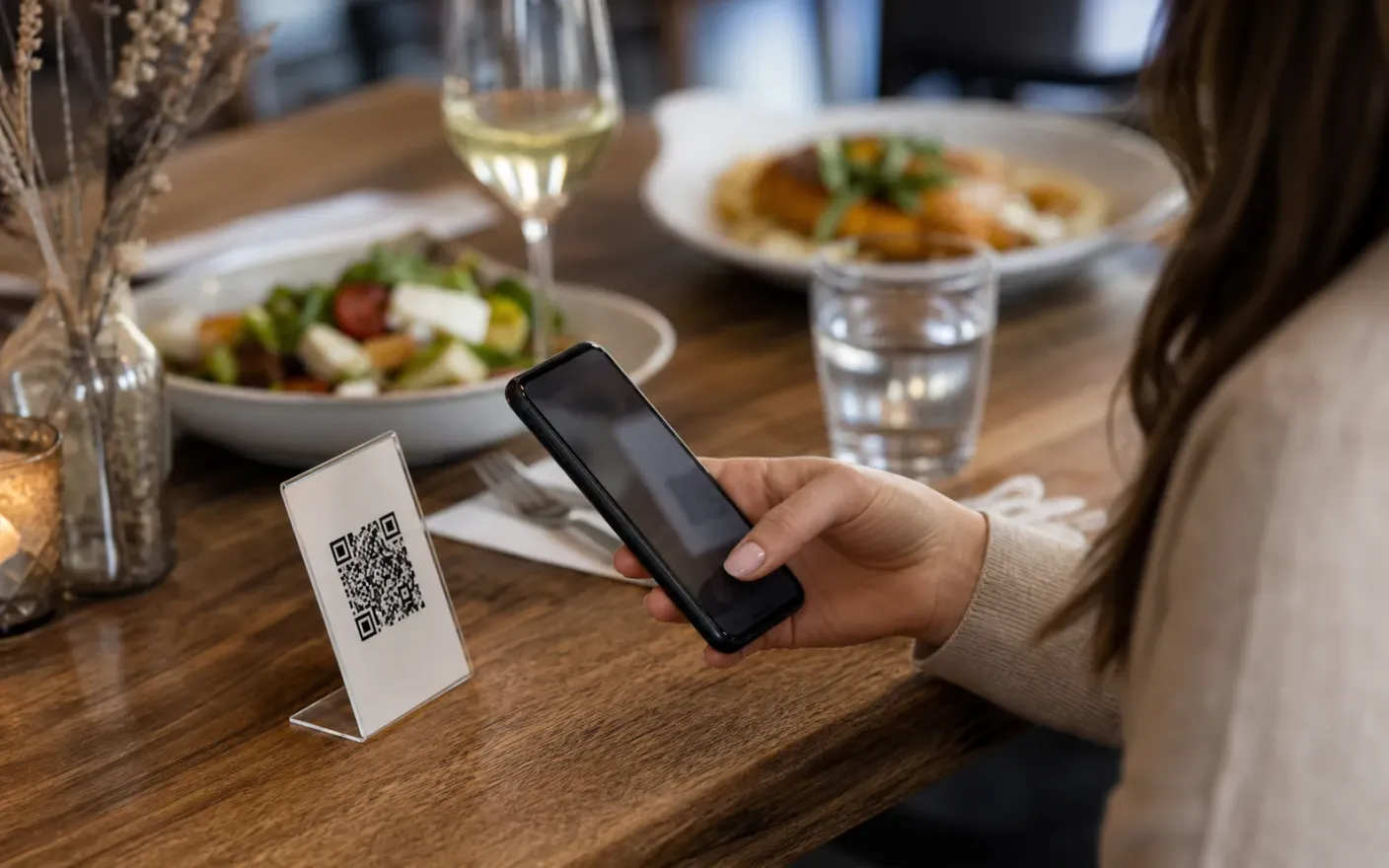
A photo, a description, a price, allergens and diet tags on every plate, in a page built for a phone held at a table rather than a PDF to be pinched and zoomed.
Menu edits
Between services
Change a price, pull a dish or add the special without printing anything.
02. Manage in admin
Edit now, publish when you are ready
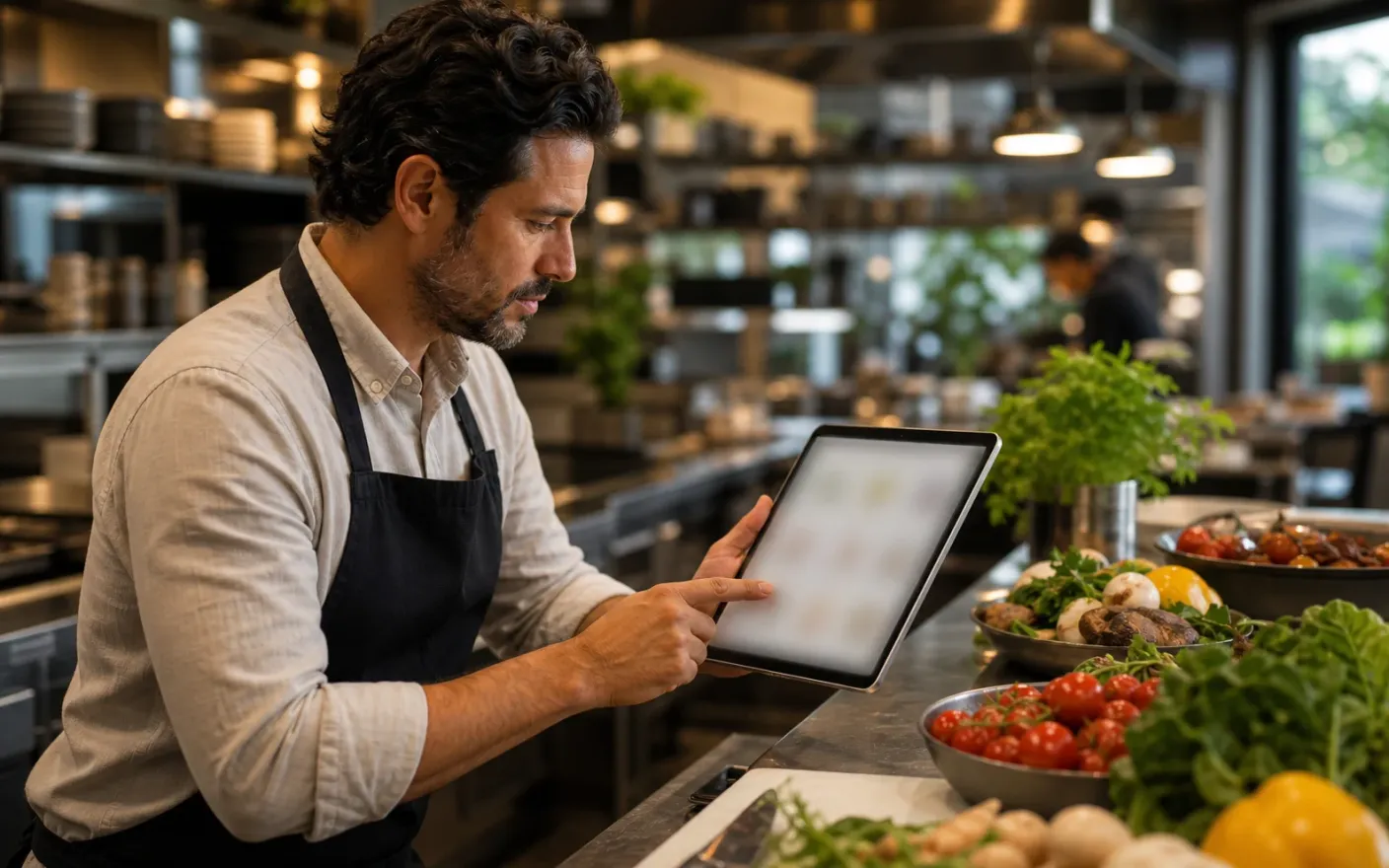
Changes stay in the draft while you work through them. Guests keep seeing the current menu until you decide the new one is finished.
Allergen labels
14 EU categories
Mark the 14 EU allergens on any dish and flag vegetarian and vegan plates.
03. Share one access point
One code for the table, the window and the insert
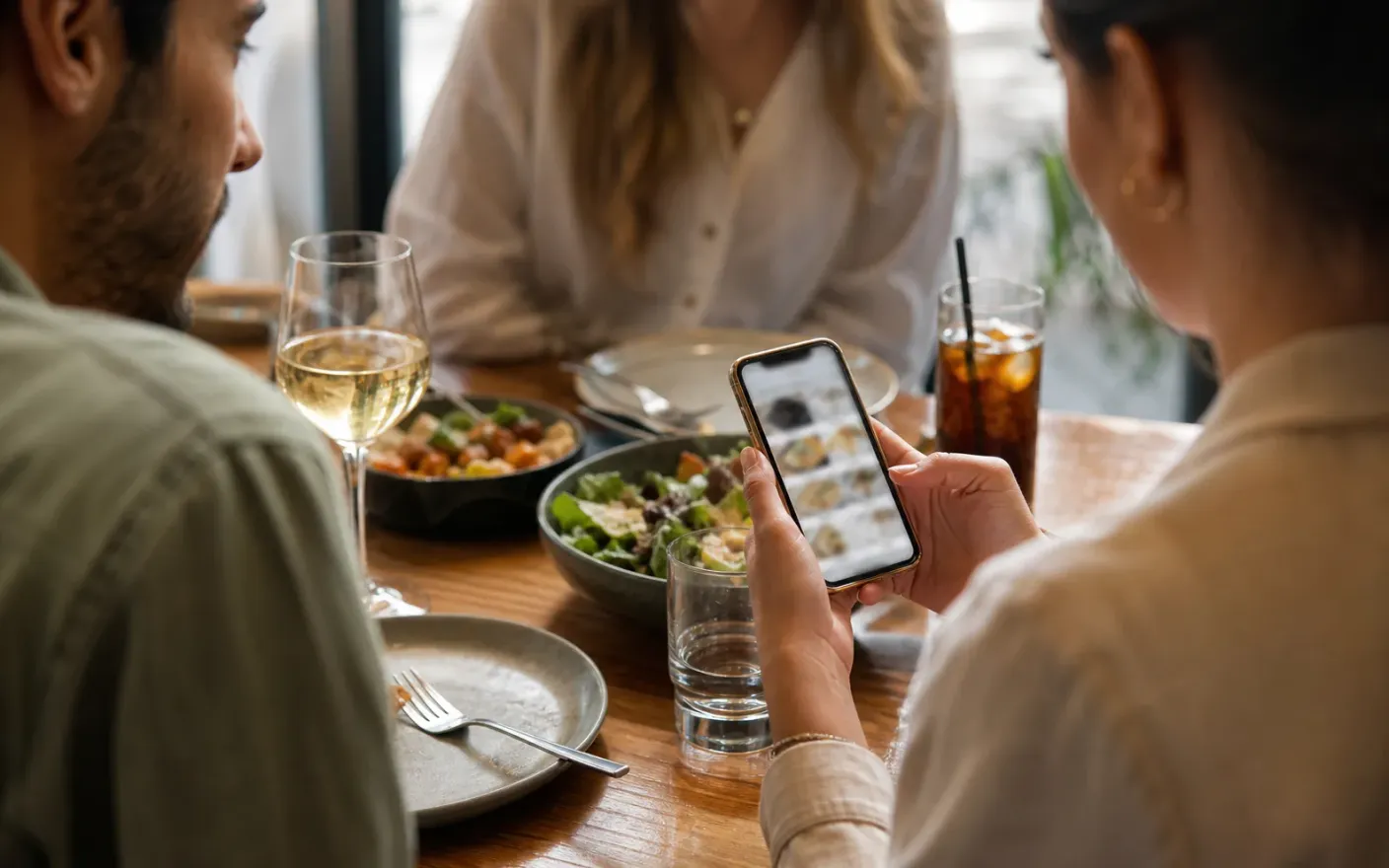
Table tents, delivery inserts, the website and your social profiles point at the same code, and it keeps working after a rename or a full rebuild.
Guest languages
One tap to switch
Store dish names and descriptions per language and let guests switch on the page.
After launch
What changes once the restaurant menu lives in one place
Prices that are right everywhere at once
Same-day editsOne publish updates the table, the window, the insert and the link in your bio, so no guest is quoted last season’s price.
Allergen answers guests can read themselves
Allergens and dietsEvery dish carries its allergens and diet tags, which shortens the conversation at the table and lowers the risk of getting it wrong.
A menu visiting guests can read
Guest languagesAdd the languages your guests actually arrive with and let them switch on the page instead of asking a server to translate.
Where it breaks down
What goes wrong when a restaurant menu cannot keep up
These all end the same way: a guest reading something that was true last week, and a member of staff apologizing for it.
- Problem
A price change means reprinting everything
Move one dish up by fifty cents and the table menus, the PDF, the delivery insert and the website are all wrong until somebody gets round to each of them.
- Problem
Allergens cannot live in a separate folder
Guests ask about gluten, nuts and dairy at the table, and the answer sits in a laminated sheet behind the pass instead of next to the dish.
- Problem
Guests arrive without your language
A menu in one language turns a table of visitors into twenty minutes of translation by a server who is needed somewhere else.
More use cases
Other venue types using the same menu builder
Related pages