
Blog
Articles for venues moving their menu online
Practical writing on digital menus: what belongs on the page, how QR access behaves in a real dining room, and what changes once the printed card is no longer the source of truth.
All articles
Latest articles
Showing 6 of 6
How to create a multilingual digital menu
Choose the languages guests need, translate the menu consistently and keep every version current without multiplying the work.
Read more
Update a QR menu without reprinting the code
Update dishes and prices in your QR menu without reprinting codes. Learn how to prepare a draft, publish seasonal changes and check what your guests see.
Read more
How to turn your existing PDF or Excel menu into an online menu
Start with the file you already have. Upload your menu, review the result and publish a mobile menu guests can open with a link or QR code.
Read more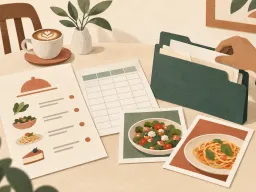
How a digital menu saves your venue time and money
See where printed menus consume budget and staff hours, how a digital menu reduces repeat work, and what to measure after the switch.
Read more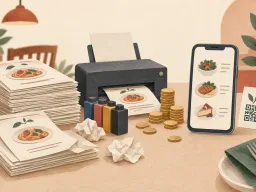
QR code menus: how they work and how to set one up
What actually happens between a guest pointing a camera at a table card and your menu appearing, plus the placement, printing and stability decisions that decide whether it works in a real dining room.
Read more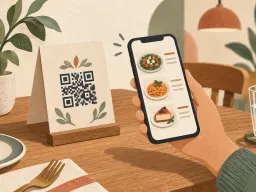
How to create an online menu without a developer
Create an online menu without a developer: prepare dishes and prices, add photos and translations, customize the page, then publish and share its QR code.
Read more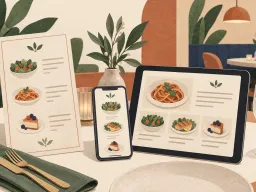
Next Step
Want to turn your food and drink menu into a clear customer page?
Start with your real content and keep one access point as your offer changes.