
Coffee Shops
A coffee shop QR menu that keeps up with the beans on the bar
Single origins rotate, the milk question comes up every second order, and the retail shelf changes weekly. ListoQ keeps drinks, food and take-home bags on one page guests open before they reach the till.
Why it works
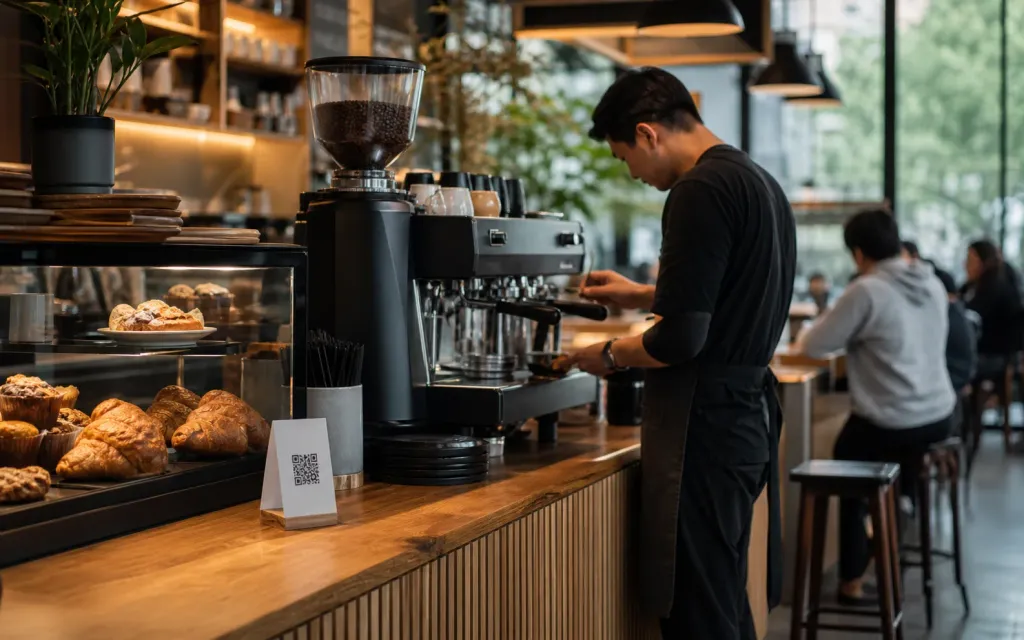
Guests read the origin that is in the grinder today, not the one that ran out three bags ago.
The daily reality
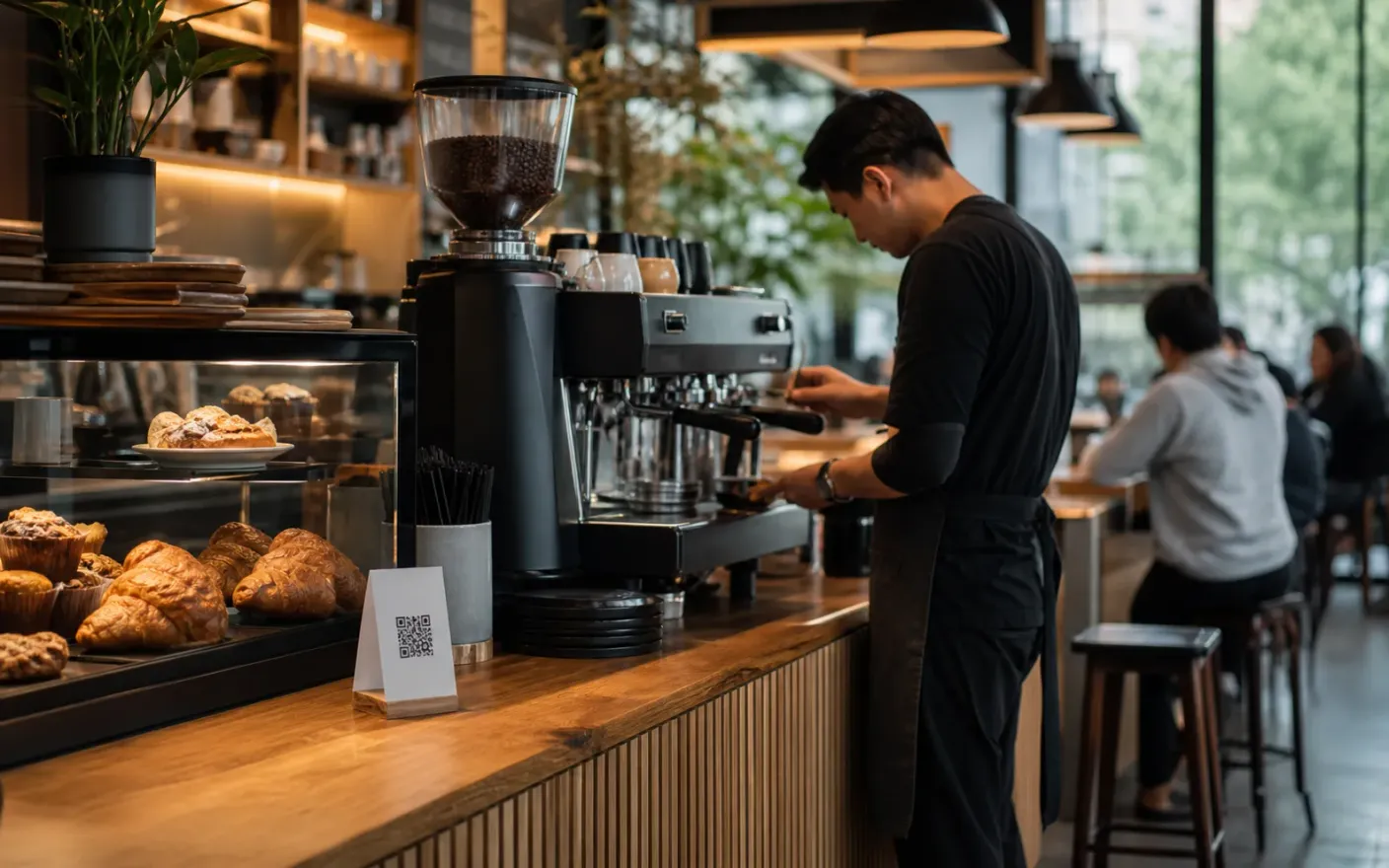
Specialty coffee moves faster than the sign above the bar. A single origin lasts a few weeks, the brew bar and the retail shelf change with it, and half the questions at the till are about milk rather than coffee.
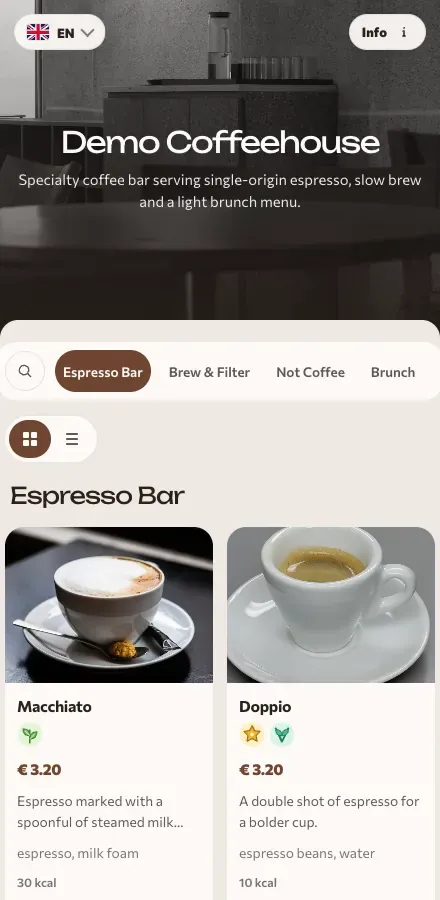
ListoQ gives the bar one page to keep current: espresso and filter, what is on the brew bar this week, what each milk costs, and which bags a guest can take home. Change the origin in the workspace, publish, and the code on the counter carries it.
From the team
“The bag in the grinder changes every few weeks. The page guests read should change on the same day.”
The ListoQ team
What makes the difference
From the guest’s first scan to your next update
Three moments decide whether a digital menu is worth having: what the guest sees, how quickly you can change it, and whether one printed code can carry both.
01. Present clearly
A drinks list built for a queue
Espresso, filter, cold and seasonal drinks sit in sections a guest can scan in the twenty seconds they have while queuing, with sizes and prices where they expect them.
The brew bar
Current origin
Swap the origin, its tasting notes and its price when the bag changes, without touching the board.
02. Manage in admin
Change the origin when the bag changes
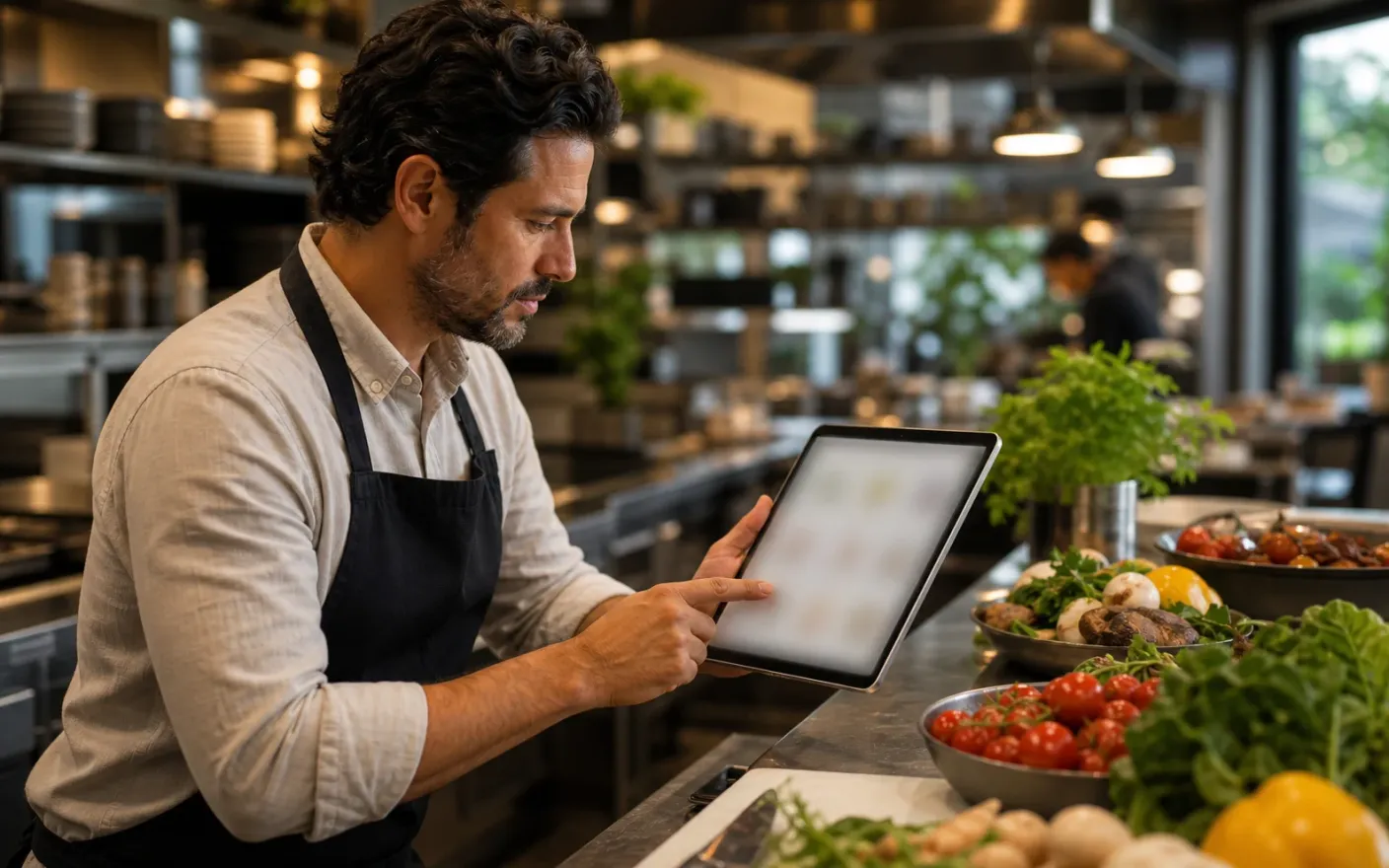
Update tasting notes, prices and availability in the admin workspace and publish. No reprint, no repaint, no waiting on a designer.
Milk options
Priced on the page
State every alternative and what it costs, so guests know before they reach the till.
03. Share one access point
One code for the bar, the window and your profile
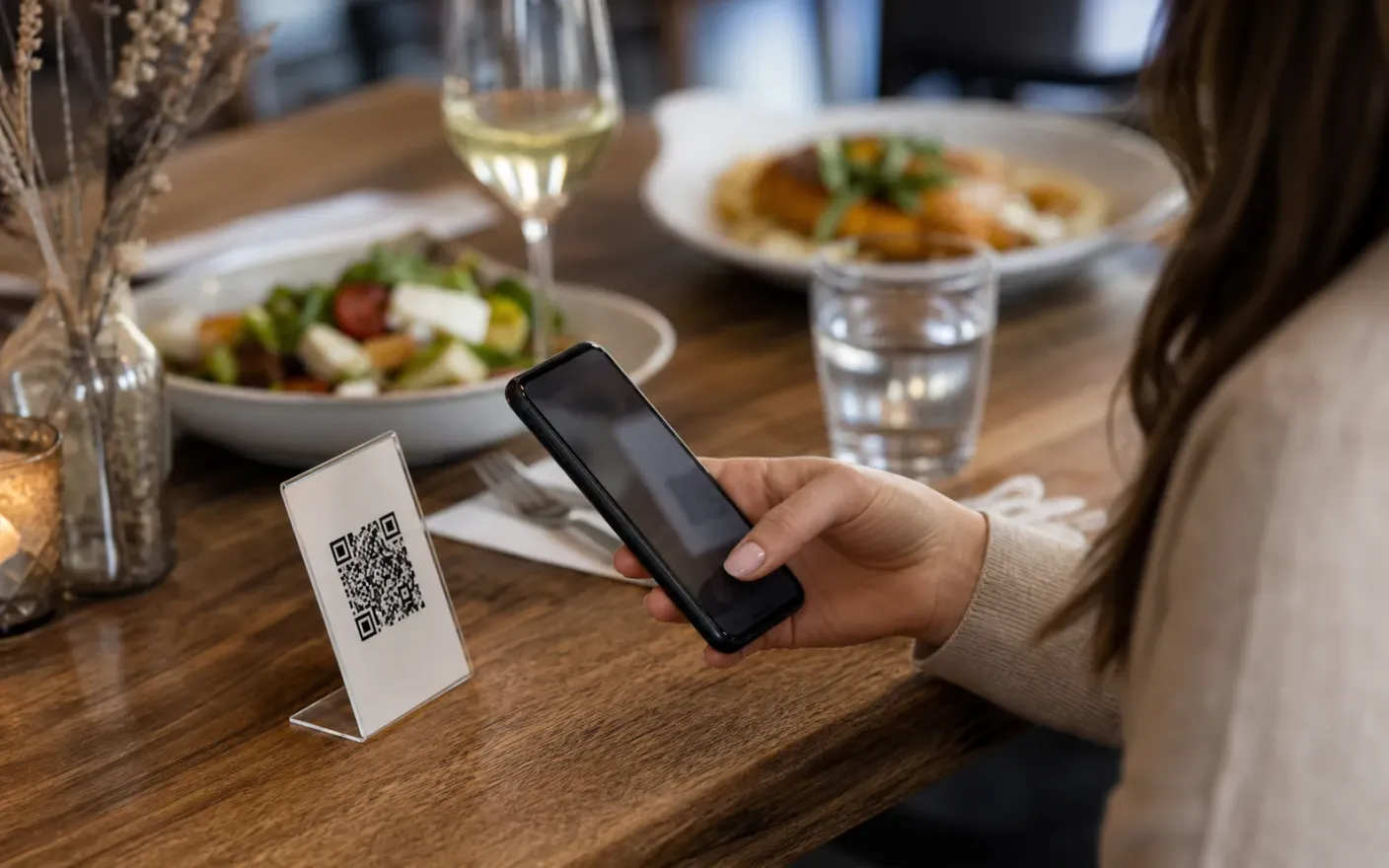
The same link works on the counter card, the window, the bag sticker and your bio, and it survives a rename or a full menu rebuild.
Retail
On the same page
Put bags, filters and brewing kit in their own section of the menu guests already have open.
After launch
What changes once the coffee shop menu lives in one place
A menu that matches the bar
Rotating originsGuests read the origin that is in the grinder today, not the one that ran out three bags ago.
Fewer questions before the order
Milk optionsMilk options, sizes and prices are answered on the page, so the queue moves and baristas talk about coffee instead of logistics.
A retail shelf people actually find
Retail shelfBags and brewing kit sit inside the page guests already opened, instead of on a card nobody reads.
Where it breaks down
What goes wrong when a coffee shop menu cannot keep up
These all end the same way: a guest reading something that was true last week, and a member of staff apologizing for it.
- Problem
The origin changes, the sign does not
A new bag lands every few weeks. Repainting the board each time is not realistic, so the brew bar ends up described by whatever was true last month.
- Problem
Milk decides the order
Oat, soy, almond: whether you have it and what it costs is the most common question in the room, and it gets answered one guest at a time in a queue.
- Problem
The retail shelf sits outside the menu
Bags, filters and brewers are real revenue, but they live behind the counter with a handwritten card and never appear where guests are already looking.
More use cases
Other venue types using the same menu builder
Related pages