Catering Services
A catering menu that replaces the PDF you keep re-sending
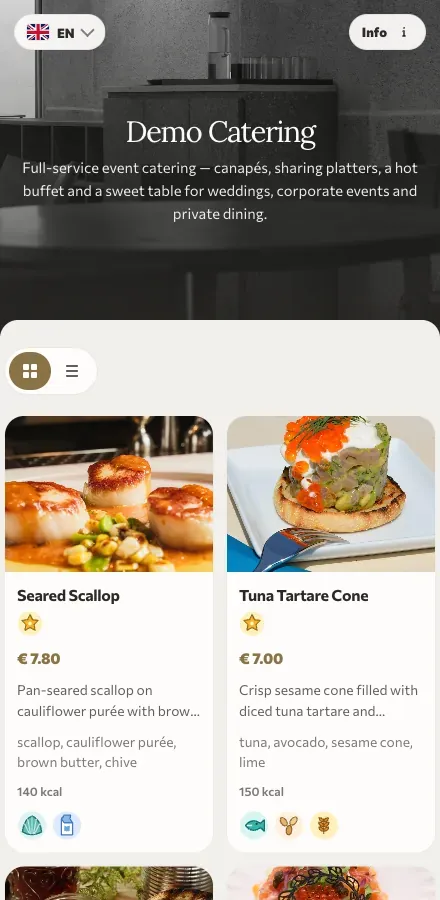
Packages, dietary swaps and a guest count that moves twice before the day. ListoQ turns the proposal into one link you update instead of re-attaching, and a QR code that earns its place on the buffet.
Why it works
Clients always open the current version, which ends the argument about which attachment was the one you agreed.
The daily reality
Catering sells on documents. A package PDF goes out, the client asks for two changes, a second PDF goes out, the guest count moves, and by the event nobody is certain which attachment was the agreed one.
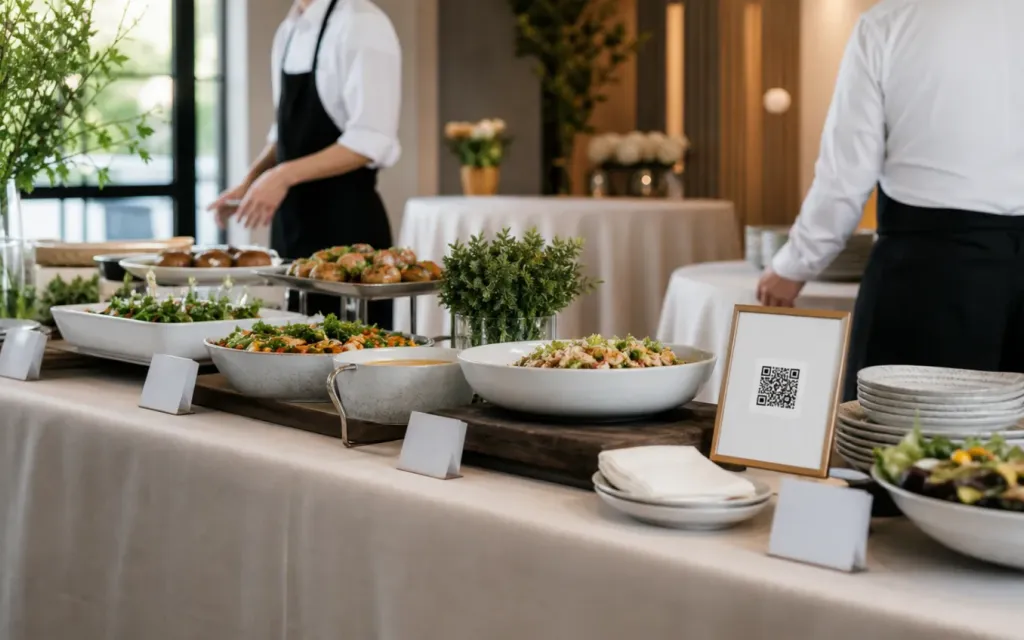
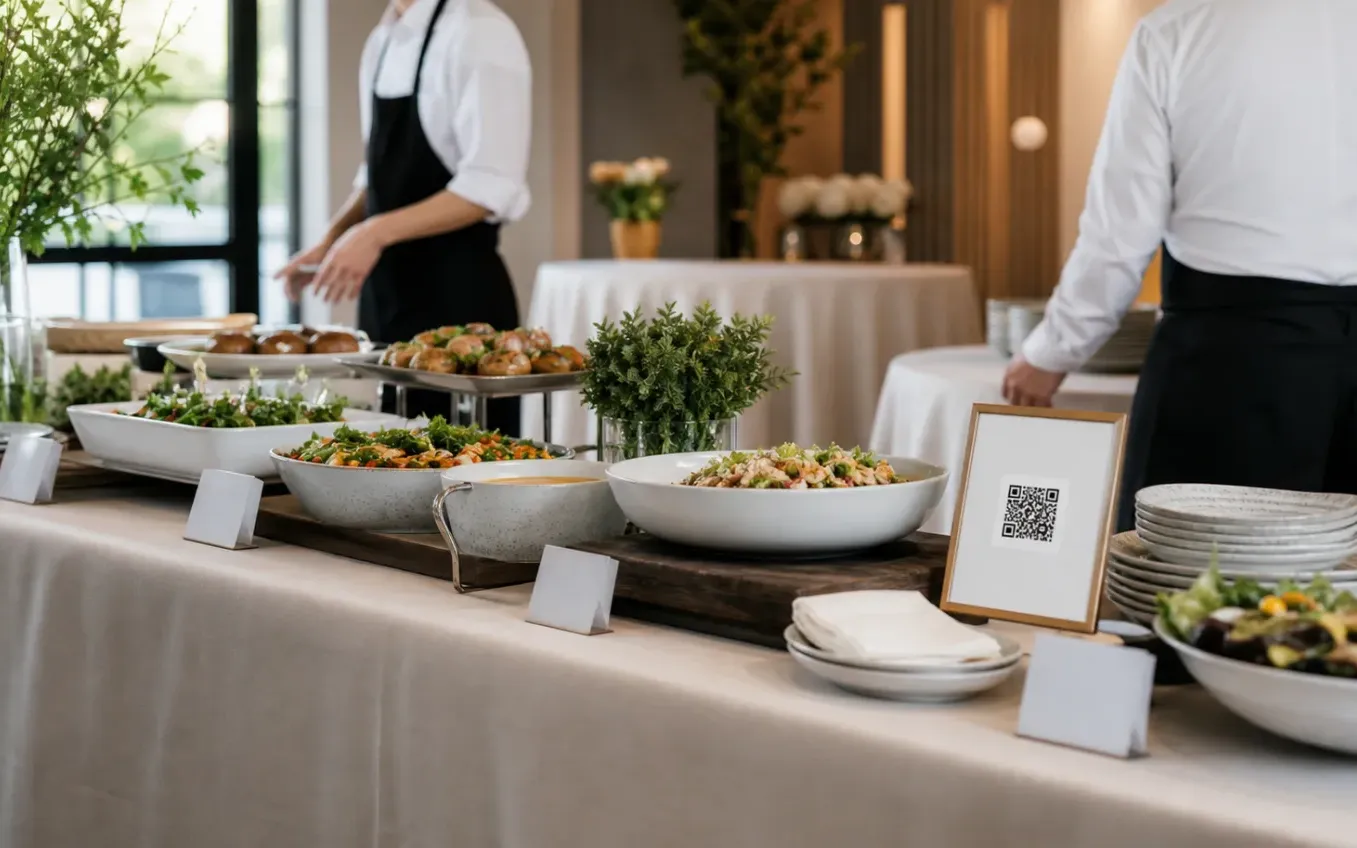
ListoQ replaces the attachment with a link. The client opens the same address through planning and tasting and sees the current version each time, and on the day its QR code sits on the buffet with the dishes and allergens guests need.
From the team
“A proposal that can be re-attached will be re-attached. A link can only ever be current.”
The ListoQ team
What makes the difference
From the guest’s first scan to your next update
Three moments decide whether a digital menu is worth having: what the guest sees, how quickly you can change it, and whether one printed code can carry both.
01. Present clearly
Browsable, not downloadable
Canapés, buffets, plated menus, drinks and add-ons in sections with photos and prices, so a client compares packages on a phone instead of scrolling a document.
The proposal
One live link
Send the link once; every change you publish is what the client sees the next time they open it.
02. Manage in admin
Update the event, not the attachment
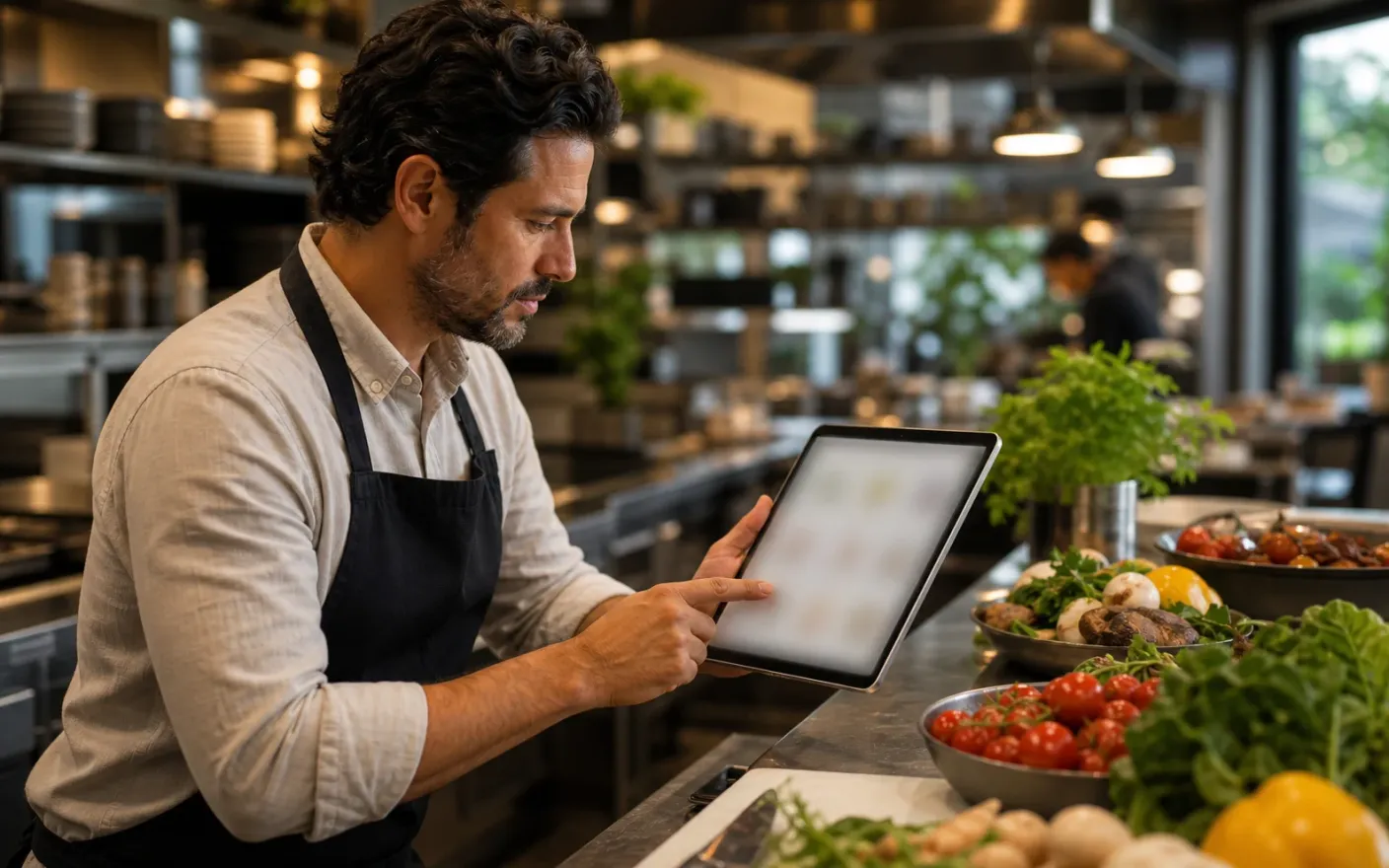
Change dishes, counts, prices and service notes in the workspace and publish. The client’s link never changes and never goes stale.
Dietary detail
On every dish
Mark the 14 EU allergens and flag vegetarian and vegan dishes where clients and guests actually read them.
03. Share one access point
One link through planning and service
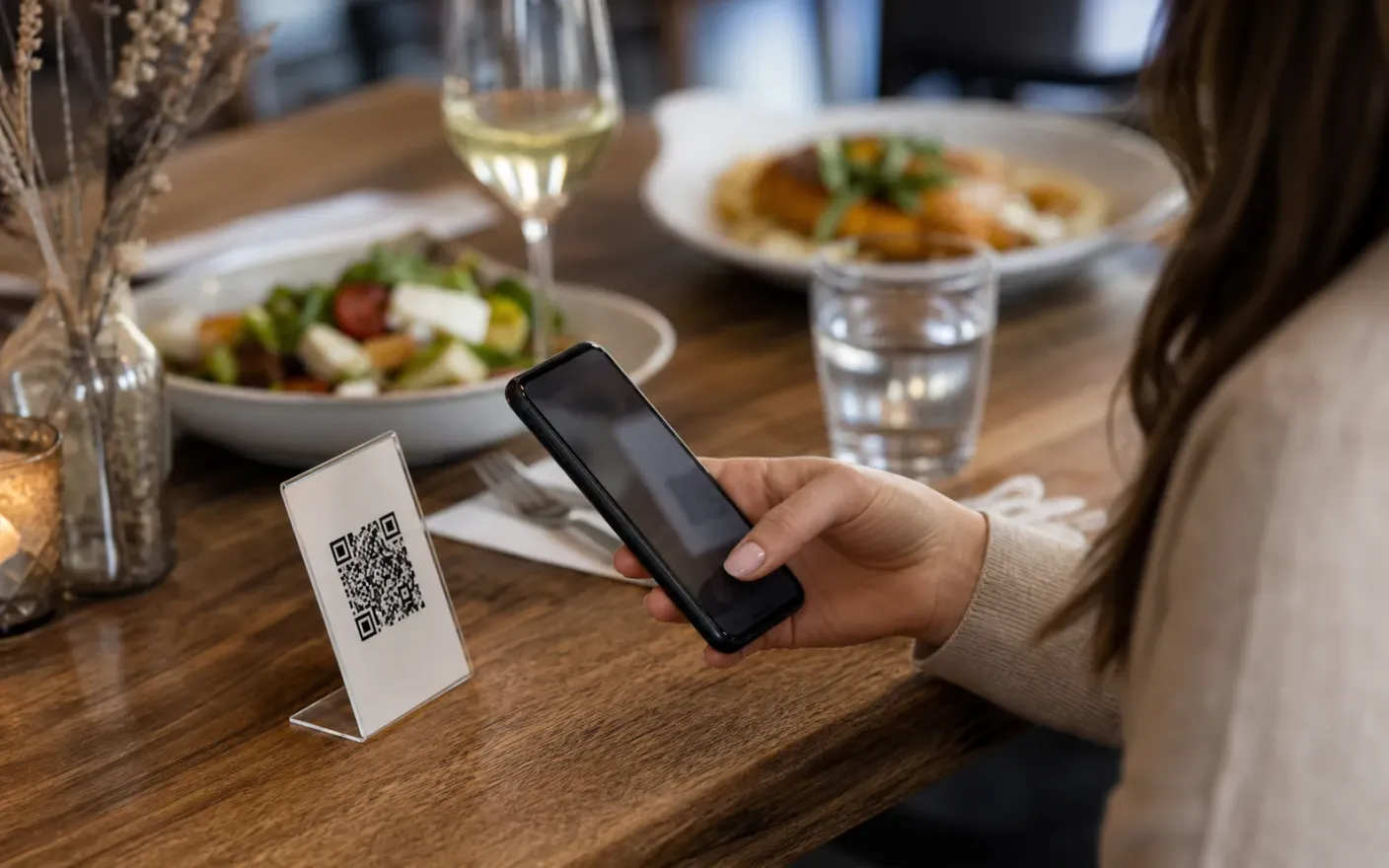
The address you send with the proposal becomes the QR code on the welcome sign and the buffet station on the day.
On the day
A code on the buffet
The same menu becomes the card on the station, so guests check dishes for themselves.
After launch
What changes once the catering menu lives in one place
A proposal that is never out of date
One live proposalClients always open the current version, which ends the argument about which attachment was the one you agreed.
Dietary information guests can check
Dietary detailAllergens and vegan dishes are labeled on the menu at the event, so guests are not asking staff who are carrying plates.
Less printing on event day
Works on the dayStation cards and table menus become a code, and a last-minute dish change stops costing a reprint at seven in the morning.
Where it breaks down
What goes wrong when a catering menu cannot keep up
These all end the same way: a guest reading something that was true last week, and a member of staff apologizing for it.
- Problem
Every change means another attachment
Version four of a proposal lands in an inbox next to versions one, two and three, and the client compares the wrong one.
- Problem
Packages are hard to compare in a document
What a canapé package includes against a buffet, per head, with staffing: that comparison is what closes the sale, and a PDF is the worst place to make it.
- Problem
Dietary needs arrive late and matter most
Allergies and vegan counts come in days before the event, and they have to reach the guest-facing menu, not only a kitchen sheet.
More use cases