
Contactless menu
A contactless menu guests open at the table
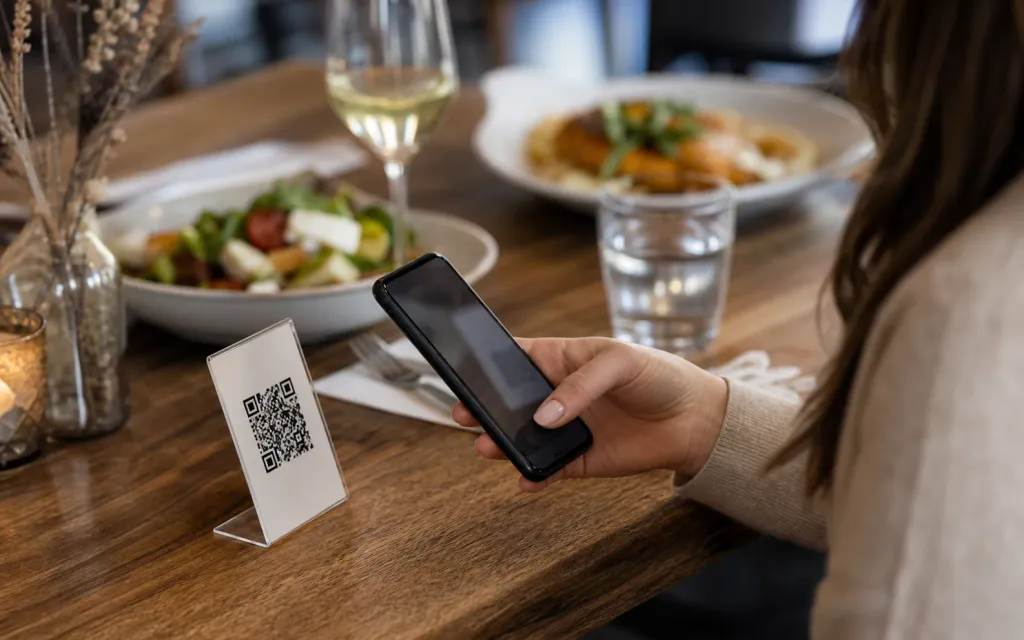
Put one ListoQ code on the table and guests read the menu on their own phone: the version your team published last, with today's prices on it.
Practical note
Contactless does not have to mean paperless. The printed code stays on the table; the menu behind it is what changes.
At the table
How a contactless menu works, from the code to the order
The guest sits down, opens the menu on their own phone and reads what you published. Your staff come in for the order, not for the menu.
- 1
The code sits where the guest sits
A table tent, a sticker or a small card carries one code for the whole venue. It does not change when the menu does.
- 2
The menu opens in the phone browser
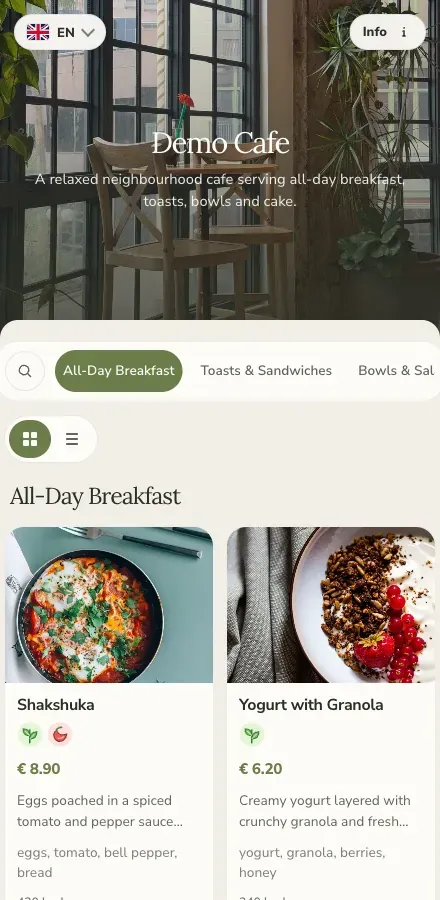
The code opens your ListoQ menu page: your colors, your hero image, your categories and the prices you published last.
- 3
The guest reads, filters and decides
They move between categories, look at the photos, check allergens and switch language, then order from your staff as usual.

Where the code goes
One code, and the places worth putting it
On the table
A table tent or a small card at every cover. This is the place guests look for first, and the one that makes the menu part of sitting down.
At the entrance and along the bar
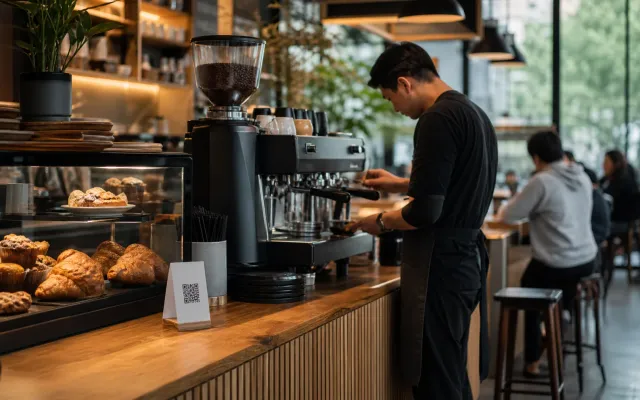
A sticker on the window or door lets people read the menu before they take a seat. At the bar it saves passing one card down the counter.
On a food truck or a service window
Where there is no table to put it on, the code goes on the hatch, the board or the side panel, next to the queue that is already forming.
In hotel rooms and on room-service cards
The same code works on a card in the room, so guests read the current kitchen hours and dishes instead of a laminated sheet from last season.
In your links and messages
The menu is also a link. Put it in a social profile, send it to a group booking, or add it to a listing that asks for your menu.
What the guest can do
What a ListoQ menu page gives a guest that a printed card cannot
Filter by allergen
Guests filter the menu by the 14 EU allergen categories and see vegetarian and vegan marks on the dish itself, without asking anyone.
Read in their own language
Publish the menu in several languages and let the guest switch on the page instead of waiting for a different printed card.
Find your address and profiles
The page carries your address, contacts and social profiles, so someone who opened the menu from a link can also find the venue.
Contactless menus, answered
What venues ask before they put a code on the table
A phone with a camera and a browser. Pointing the camera at the code opens the menu page, and a link works the same way for anyone you send it to.
Related pages
Next Step
Want to turn your food and drink menu into a clear customer page?
Start with your real content and keep one access point as your offer changes.