
Food Trucks
A food truck QR menu that changes with the pitch
A different site every day, a shorter list at festivals, and dishes that run out two hours in. ListoQ lets you swap the menu per event and pull sold-out items mid-service, while the sticker on the hatch stays exactly where it is.
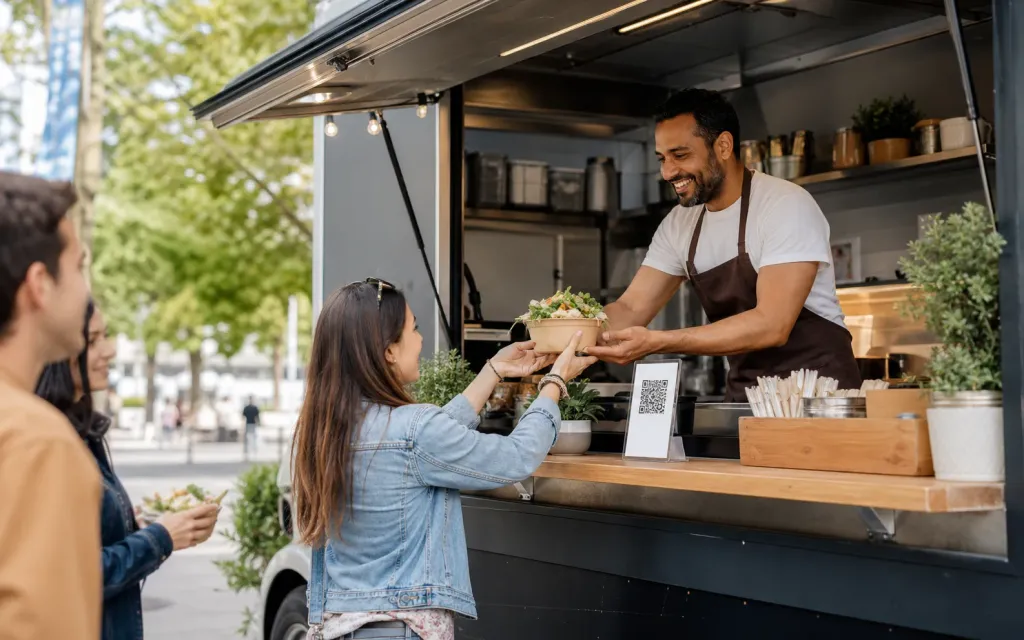
Why it works
Guests order what you can still cook, so service stops being a queue of second choices.
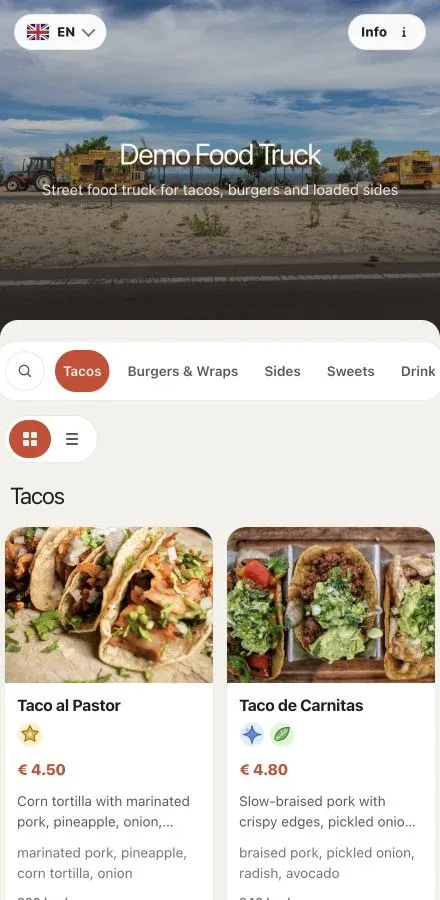
The daily reality
A truck does not have one menu. It has a market menu, a festival menu, a private-hire menu and whatever is left at three o’clock, and the board on the hatch has room for exactly one of them.
ListoQ lets the menu travel with the truck. Build the short festival list, publish it that morning, hide the dish that ran out at two, all from a phone on a pitch with no printer anywhere near it.
From the team
“The truck moves, the pitch changes, the list changes with it. Only the code on the hatch stays put.”
The ListoQ team
What makes the difference
From the guest’s first scan to your next update
Three moments decide whether a digital menu is worth having: what the guest sees, how quickly you can change it, and whether one printed code can carry both.
01. Present clearly
The queue reads before the hatch
Photos, prices, allergens and combos on a page guests open while they are still queuing, so they arrive at the hatch already knowing the order.
Sold-out dishes
Hidden mid-service
Take a dish off the menu from your phone while you are still cooking.
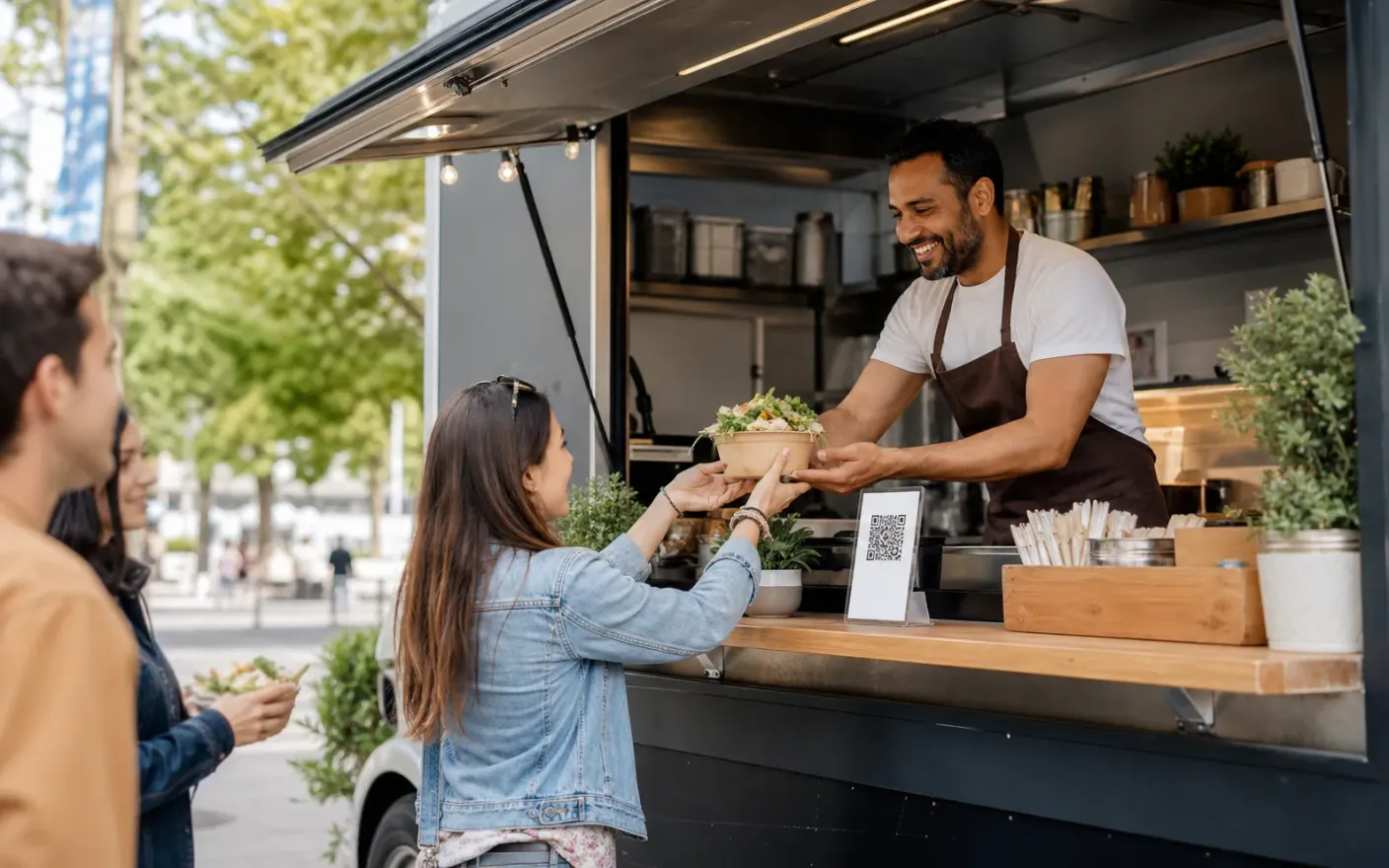
02. Manage in admin
Change it on the pitch, not in a print shop
Publish the day’s list in the morning and hide what has run out during service, from the phone in your pocket.
Each event
Its own menu
Keep a market, festival and private-hire list ready and switch which one is live.
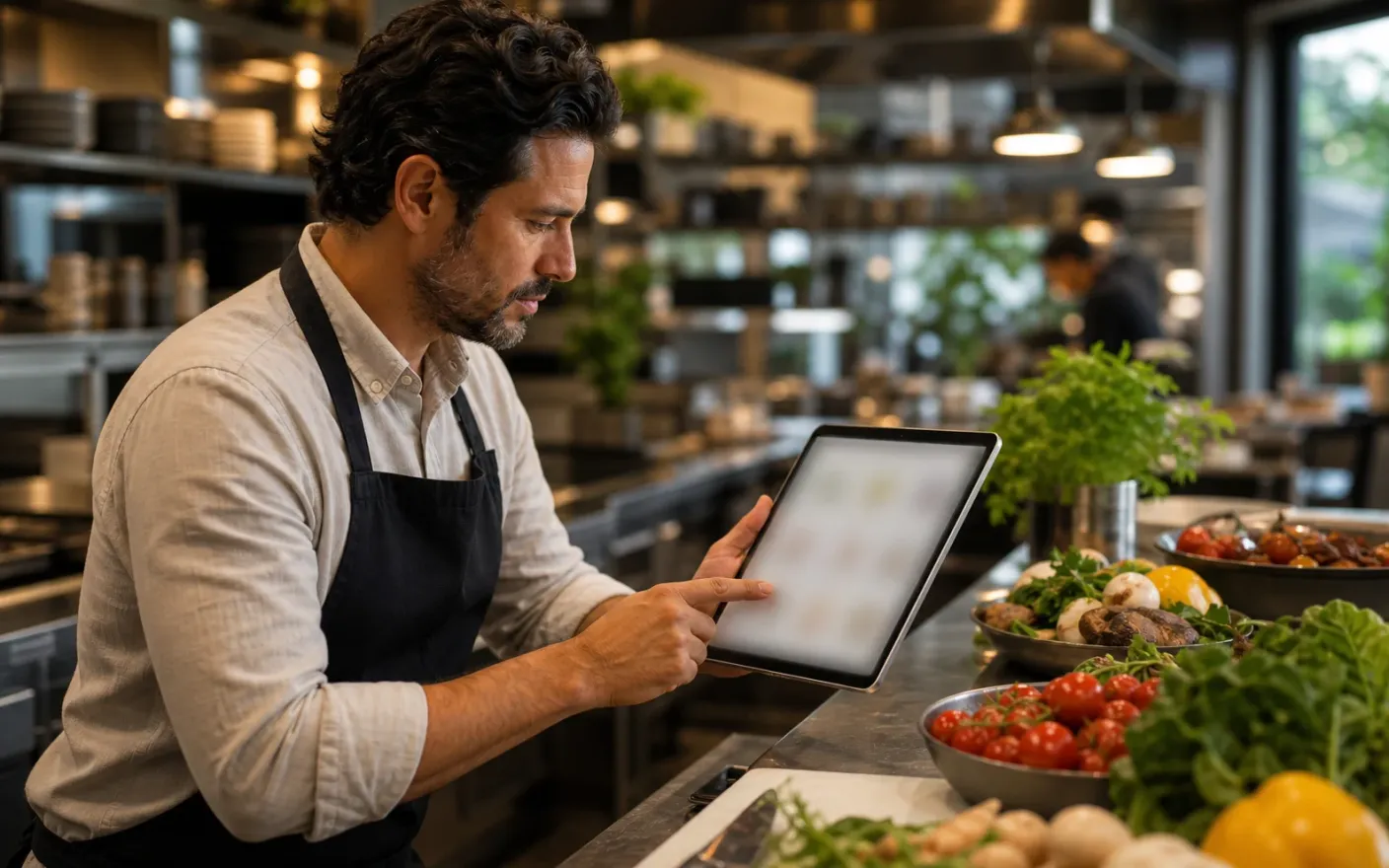
03. Share one access point
One sticker on the hatch, permanently
The code on the truck, the pop-up banner and your social profile never changes, however often the menu behind it does.
The queue
Reads while waiting
Guests browse dishes, prices and allergens from the back of the line instead of at the hatch.
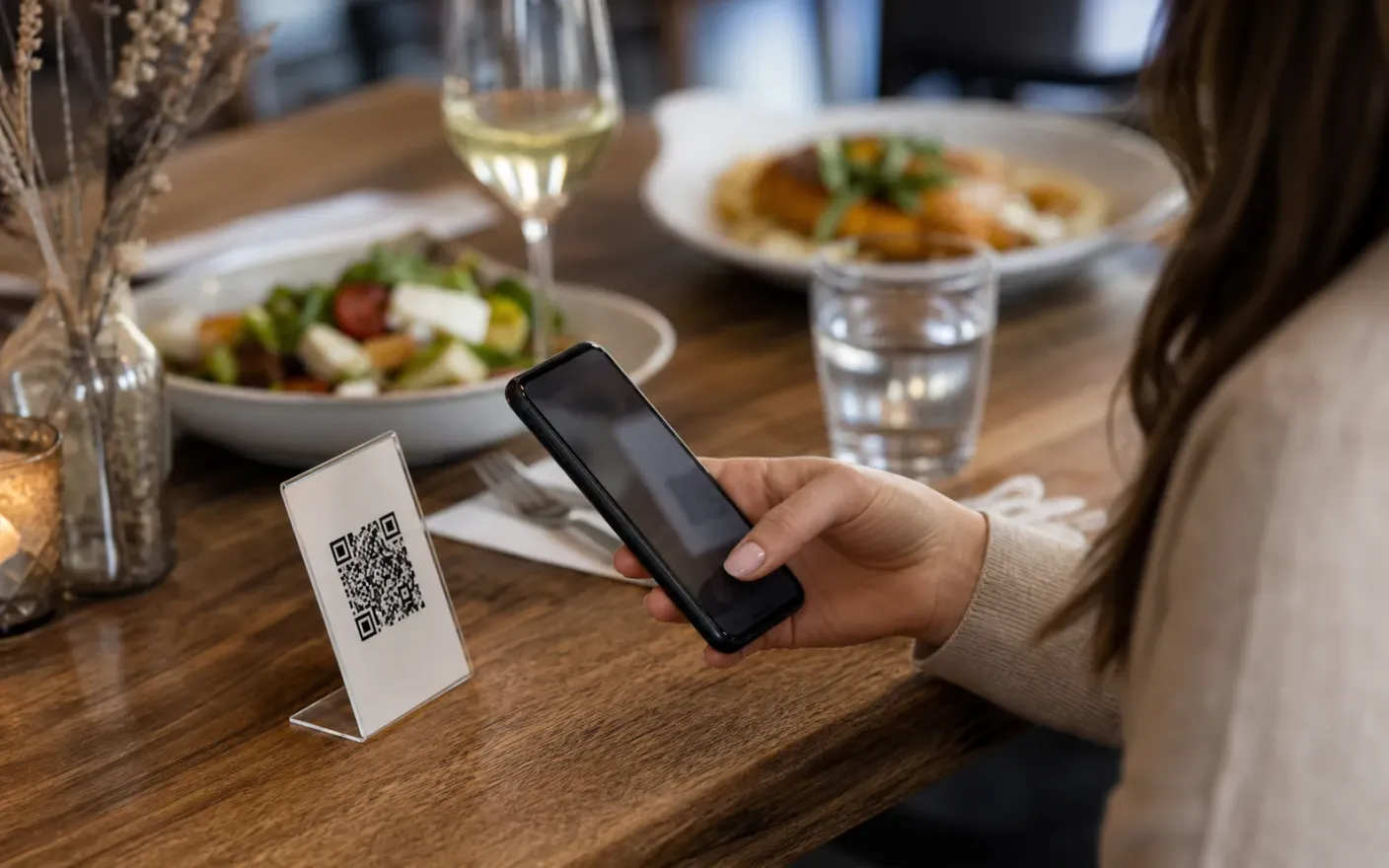
After launch
What changes once the food truck menu lives in one place
A menu that matches the pass
Mid-service editsGuests order what you can still cook, so service stops being a queue of second choices.
A new menu per event without a print run
Menu per eventSwitching from a market list to a festival list is a click, not a job for the night before.
A faster queue
Queue-friendlyPeople decide while they wait rather than at the hatch, which on a busy pitch is the difference between serving the line and losing it.
Where it breaks down
What goes wrong when a food truck menu cannot keep up
These all end the same way: a guest reading something that was true last week, and a member of staff apologizing for it.
- Problem
You run out and the board keeps selling
The queue is still ordering the thing that finished two hours ago, and every one of those orders costs a conversation at the hatch.
- Problem
Every event needs a different menu
A market, a festival and a private booking want different lists at different prices, and printing a board for each one is neither fast nor cheap.
- Problem
The queue decides in seconds
People reach the hatch still reading. A board they can only see from the front of the line slows the whole service down.
More use cases
Other venue types using the same menu builder
Related pages