Pizzerias
A pizzeria QR menu for the table, the box and the message thread
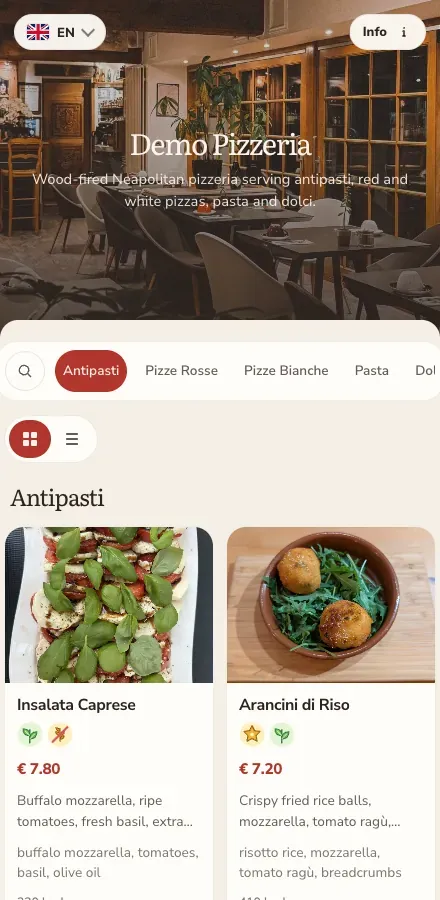
Sizes, crusts, toppings and half-and-half turn a menu into a grid nobody can read on a phone. ListoQ gives every pizza a photo, a price and its allergens, on one link that works at the table and on a takeaway box.
Why it works
Guests compare pizzas, sizes and extras on a page built for a phone instead of decoding a price grid.
The daily reality
Pizza is the hardest menu to lay out. Three sizes, two crusts, a page of toppings and a family bundle turn into a price grid, and a grid is exactly what a phone handles worst.
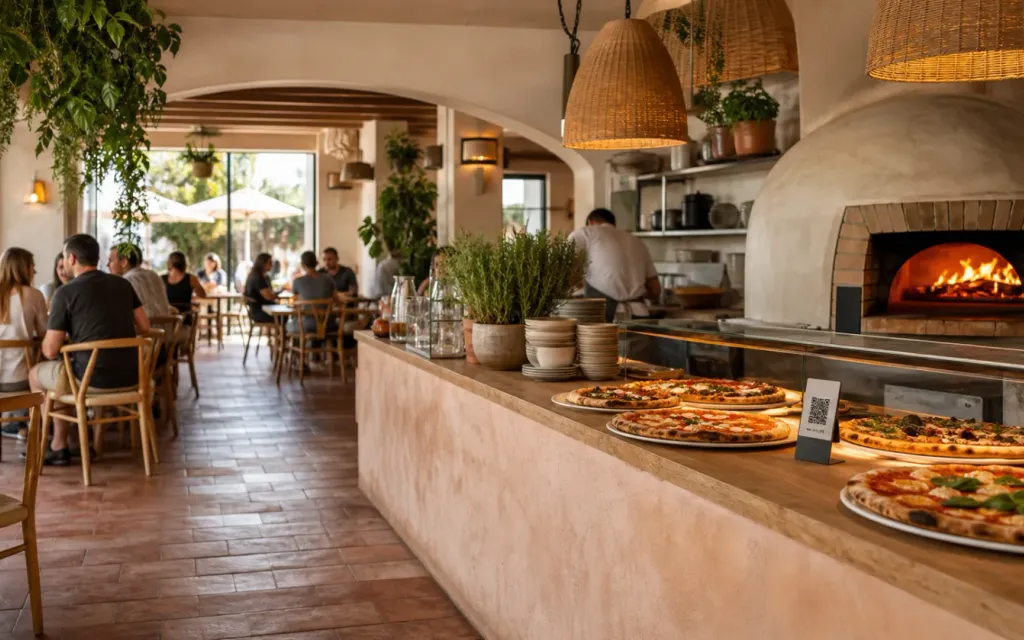
ListoQ breaks it into sections a guest can move through: the pizzas with photos and allergens, sizes and extras where they belong, deals in a place of their own. The same link works at the table, on the box, and in the message you send a delivery customer.
From the team
“Sizes, crusts and extras are a grid on paper and a decision on a phone. We built for the phone.”
The ListoQ team
What makes the difference
From the guest’s first scan to your next update
Three moments decide whether a digital menu is worth having: what the guest sees, how quickly you can change it, and whether one printed code can carry both.
01. Present clearly
Make each pizza easy to choose
Every pizza gets a photo, a description, its price and the 14 EU allergen labels, with sizes and extras in their own section rather than inside a grid.
The pizza list
Readable on a phone
Photos, descriptions, prices and allergens per pizza instead of a grid of numbers.
02. Manage in admin
Move the deals when the week changes
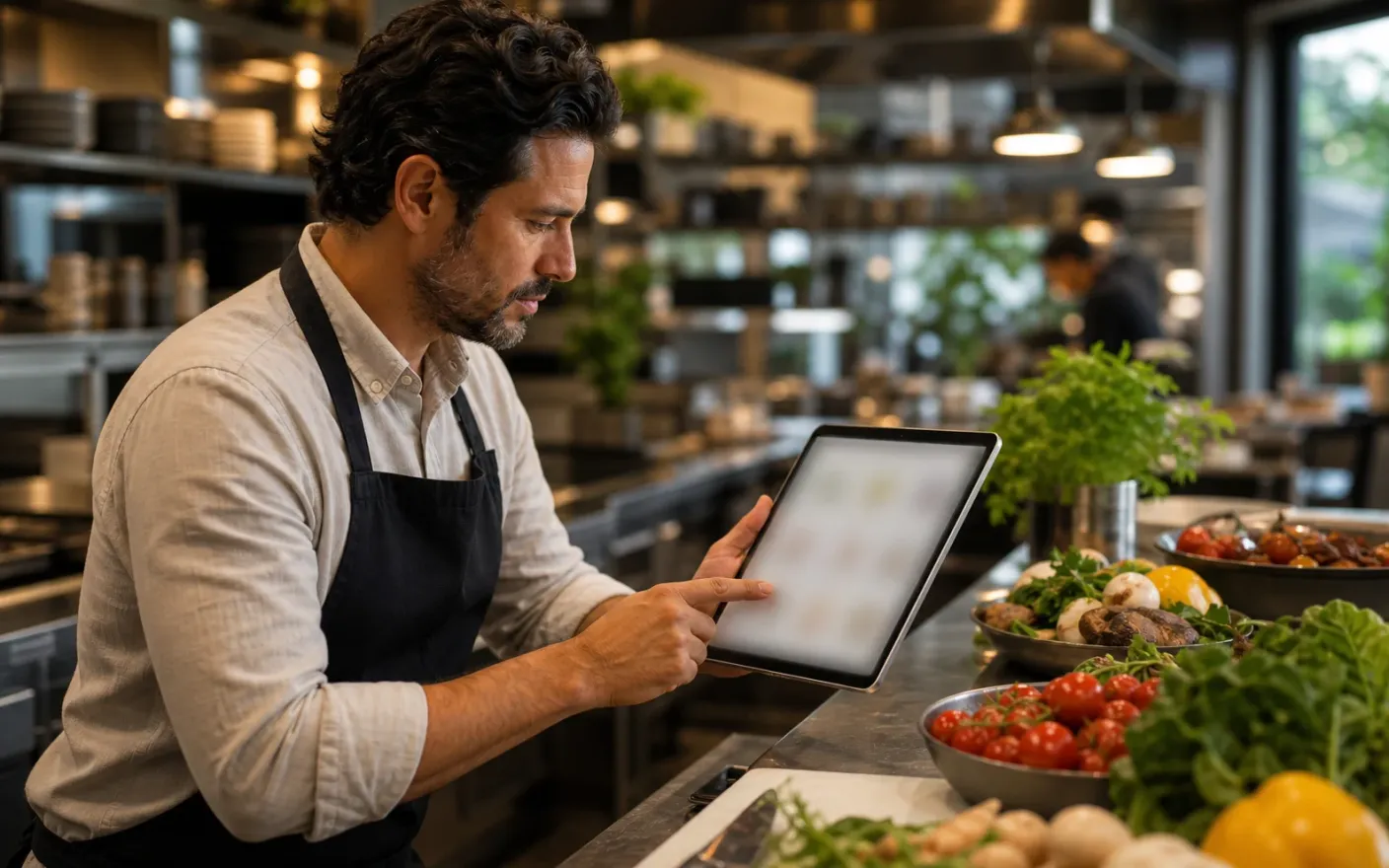
Lunch offers, bundles and seasonal pizzas are edited and published in the workspace, so the price on the page is the price at the till.
Deals
Changed weekly
Move the lunch offer or the family bundle without printing over an old price.
03. Share one access point
One code from the table to the doorstep
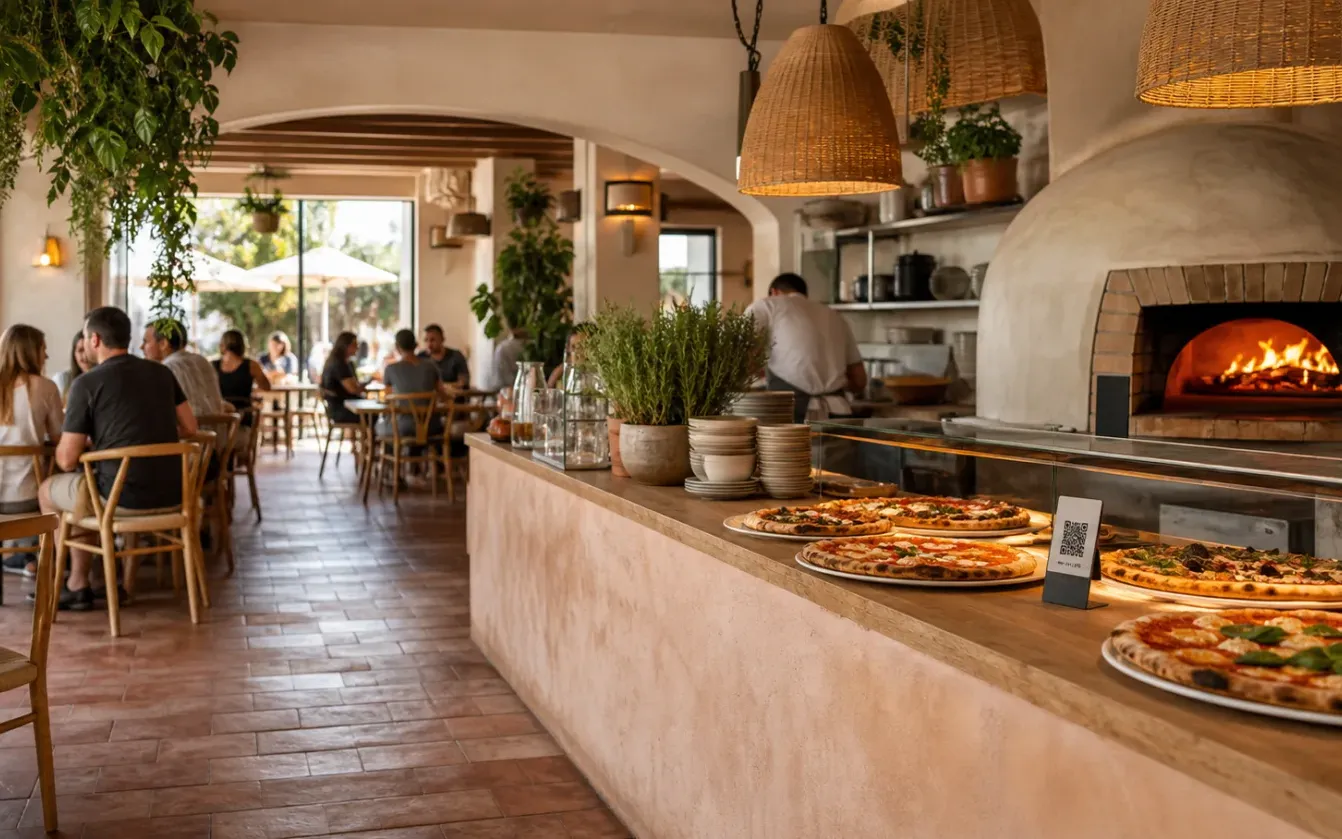
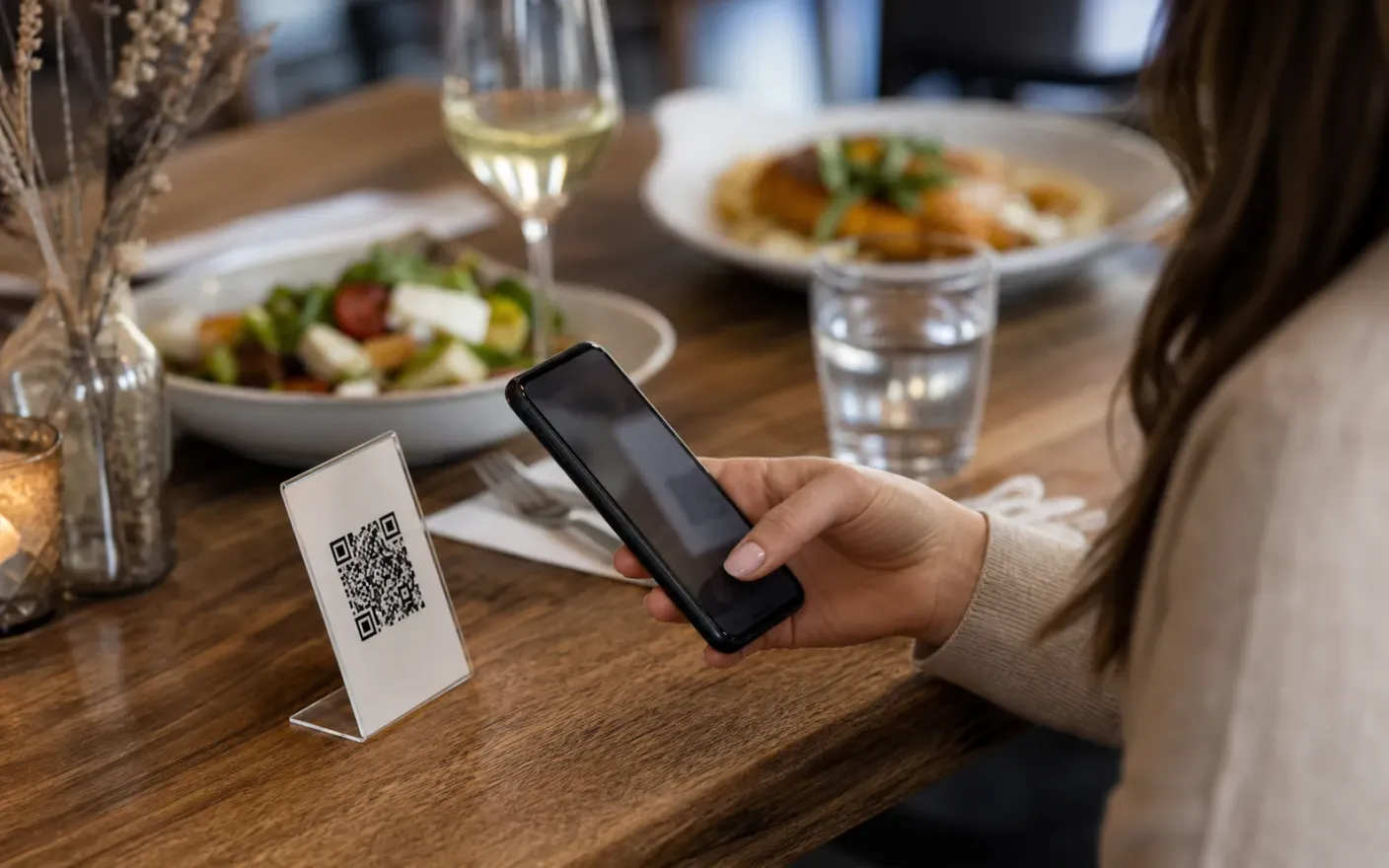
Table cards, the box sticker, the delivery insert and your profile all point at the same menu, and it survives a rebuild.
One link
Table, box, delivery
The same code works on the table card, the takeaway box and in a message to a customer.
After launch
What changes once the pizzeria menu lives in one place
Faster decisions at the table
Sizes and toppingsGuests compare pizzas, sizes and extras on a page built for a phone instead of decoding a price grid.
Offers that are right on the day
Weekly dealsThe lunch deal on the page is the one at the till, so nobody argues about a price at the end of a meal.
Takeaway orders from the current menu
Takeaway and deliveryThe code on the box brings a delivery customer to the current list, which is where repeat orders come from.
Where it breaks down
What goes wrong when a pizzeria menu cannot keep up
These all end the same way: a guest reading something that was true last week, and a member of staff apologizing for it.
- Problem
Options turn the menu into a spreadsheet
Sizes, crusts and extras multiply into a table of numbers that is unreadable on the screen most guests are actually holding.
- Problem
Deals change weekly, the print does not
Lunch offers, family bundles and seasonal pizzas move faster than a print run, so they end up as a sticker over yesterday’s price.
- Problem
Takeaway guests never see the real menu
The box, the delivery insert and the chat message each point somewhere different, and usually somewhere out of date.
More use cases