
Restaurant
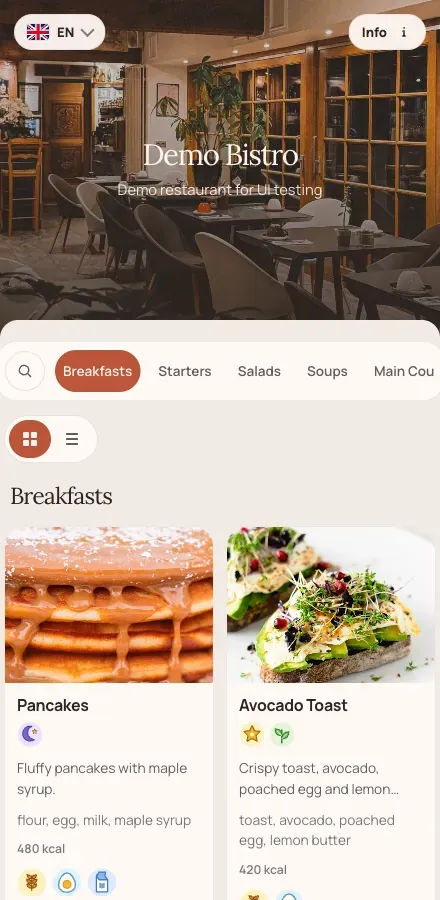
Demo Bistro
Ten categories and eighty items — breakfasts, starters, grill, fish, pasta and desserts. Open this one to see a long menu stay readable on a phone.
- Palette
- Warm terracotta
- Fonts
- Lora + Manrope
Live demo menus
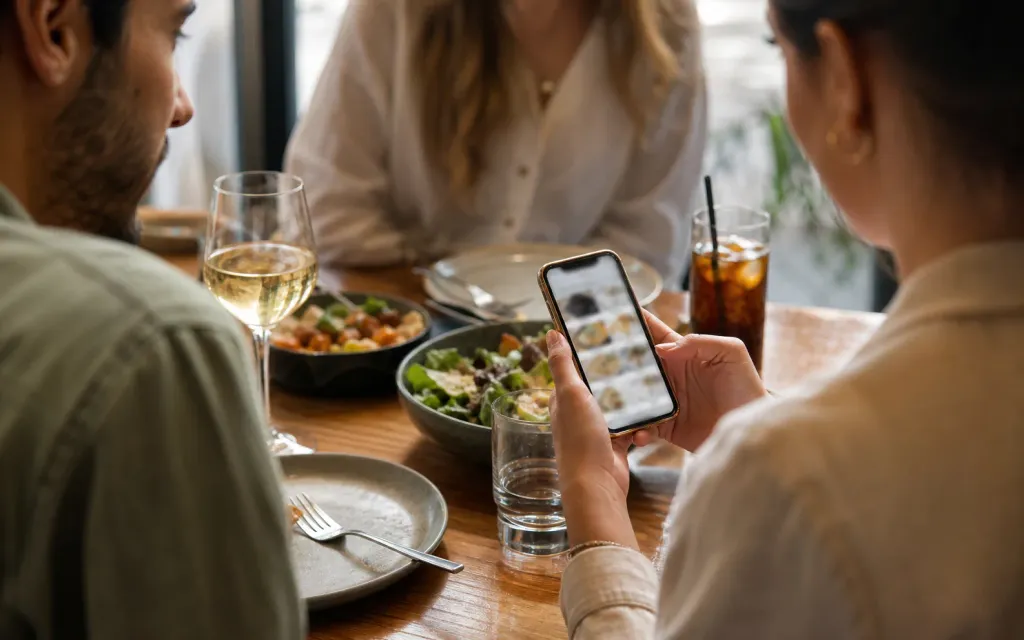
Every menu below is a real venue published with ListoQ. Open one on your phone, switch the language, check prices and allergens. No sign-up, nothing to fill in.
What you are looking at
Ten demo venues, one product. Every difference between them is a setting, not custom work.
The demos
Each demo is a published menu with its own categories, dishes, prices, photos and allergen marks — and its own colors and font pairing.
Restaurant
Ten categories and eighty items — breakfasts, starters, grill, fish, pasta and desserts. Open this one to see a long menu stay readable on a phone.
Pizzeria
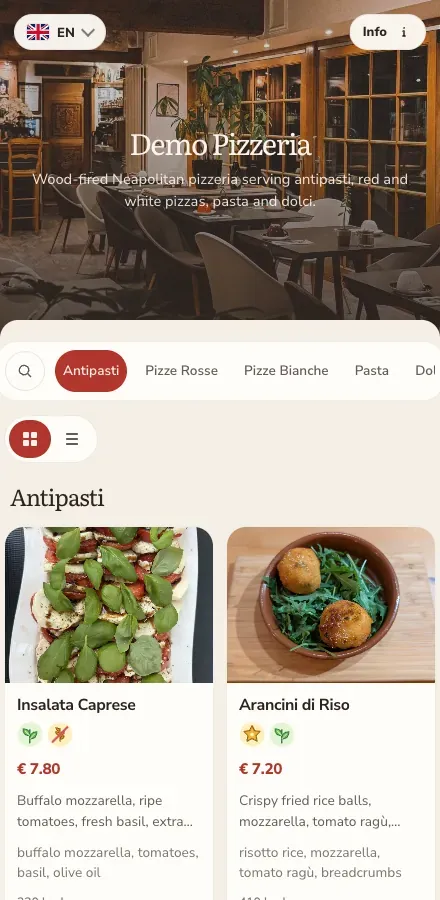
Antipasti, red and white pizze, pasta and dolci. The Margherita carries size variants, each with its own price.
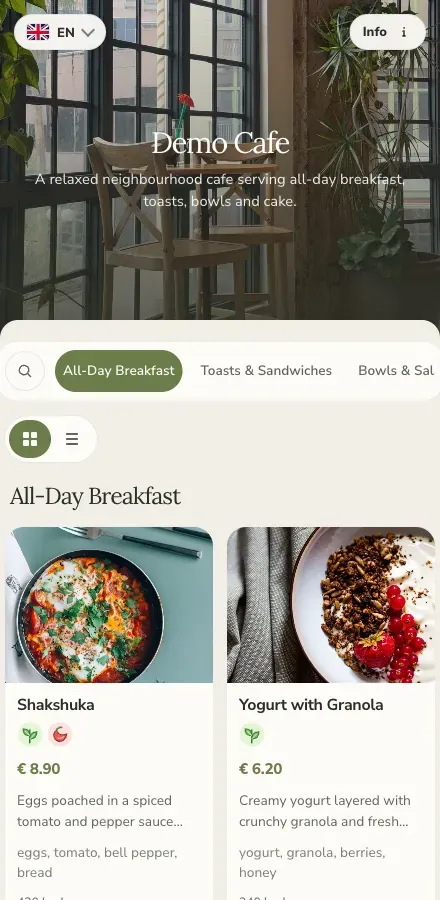
Cafe
All-day breakfast, toasts, bowls and sweets, with vegetarian and vegan marks on the items that carry them.
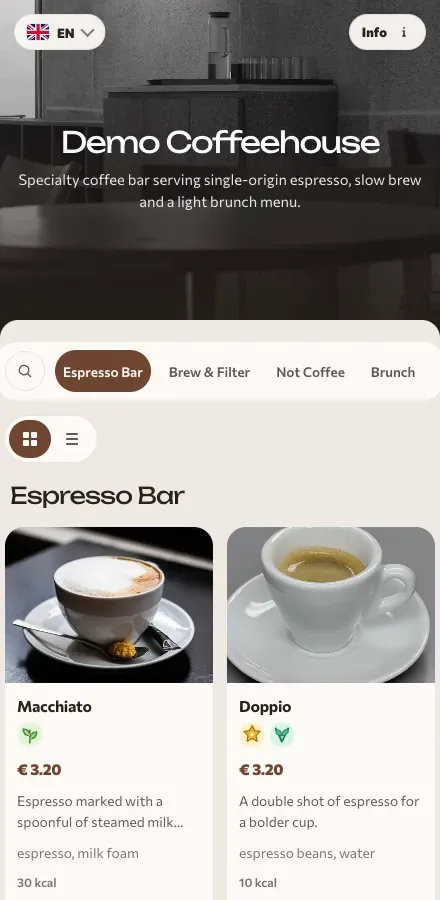
Coffee shop
Espresso bar, filter brews, brunch and bakes. Cappuccino and latte show cup sizes; espresso shows single or double.
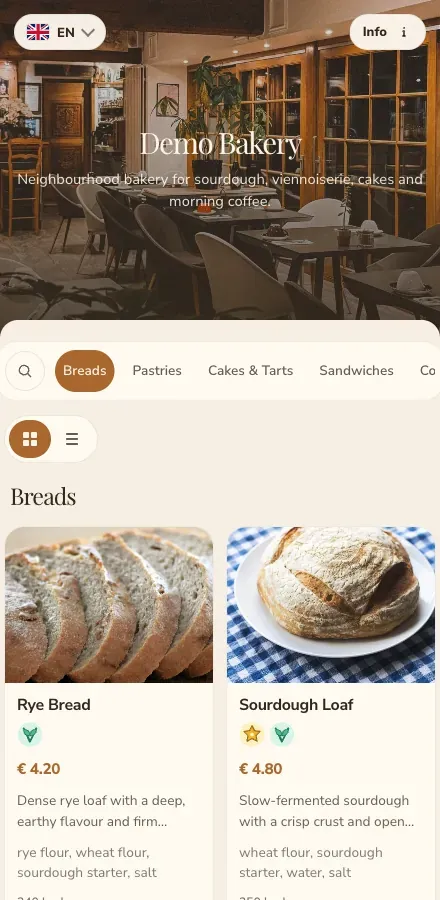
Bakery
Breads, pastries, cakes and sandwiches over the counter, with allergen marks on the flours, nuts and dairy guests ask about.
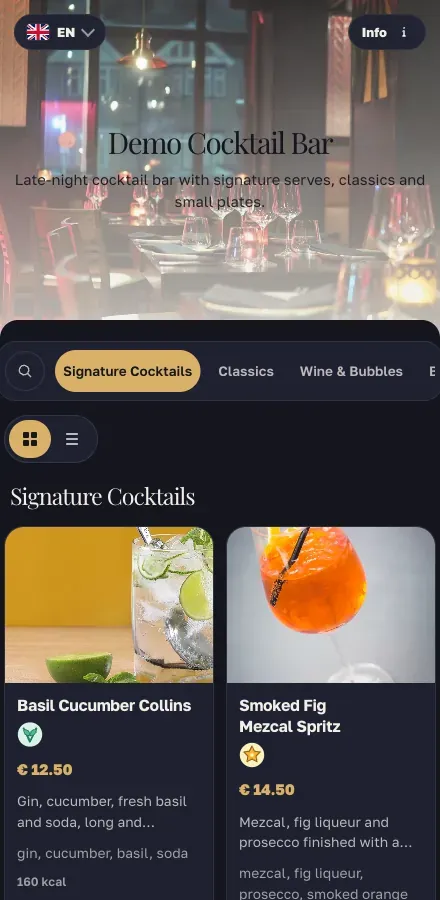
Bar
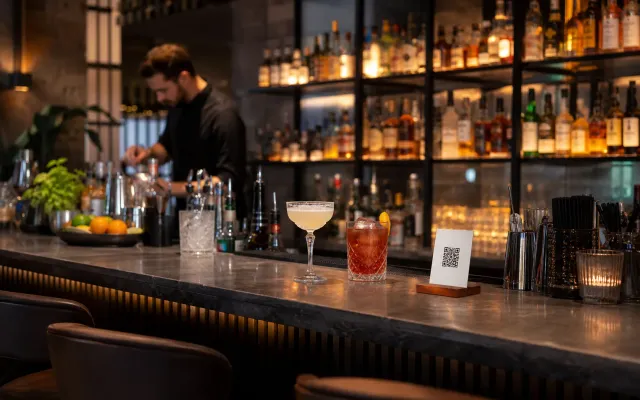
A dark theme for an evening room: signature cocktails, classics, wine and bubbles, low-ABV drinks and bar bites.
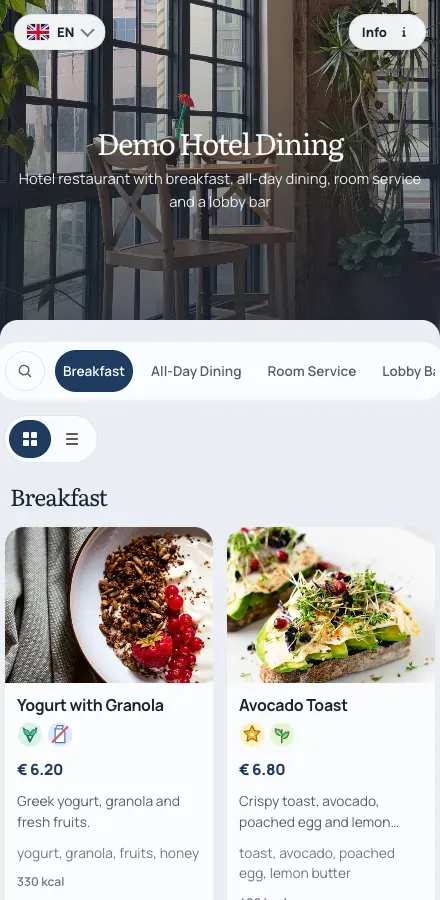
Hotel
Breakfast, all-day dining, room service and the lobby bar in one menu — the case for a property with several services.
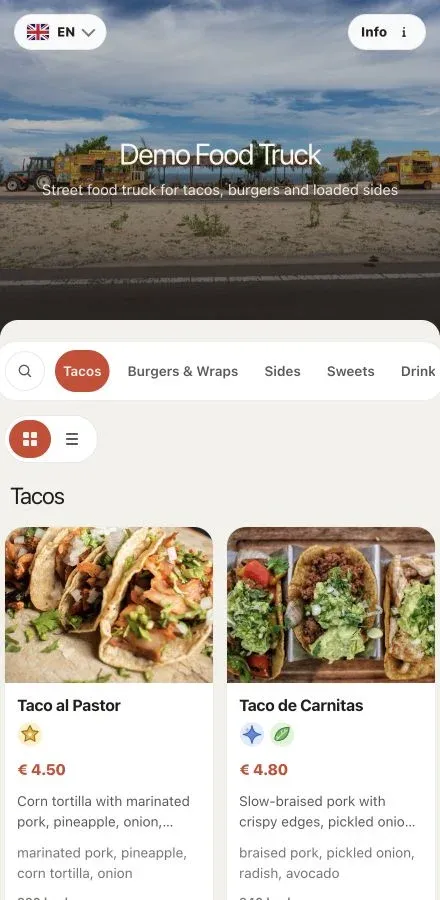
Food truck
Tacos, burgers, sides and drinks — a short list built to be read in a queue, on a phone, in daylight.
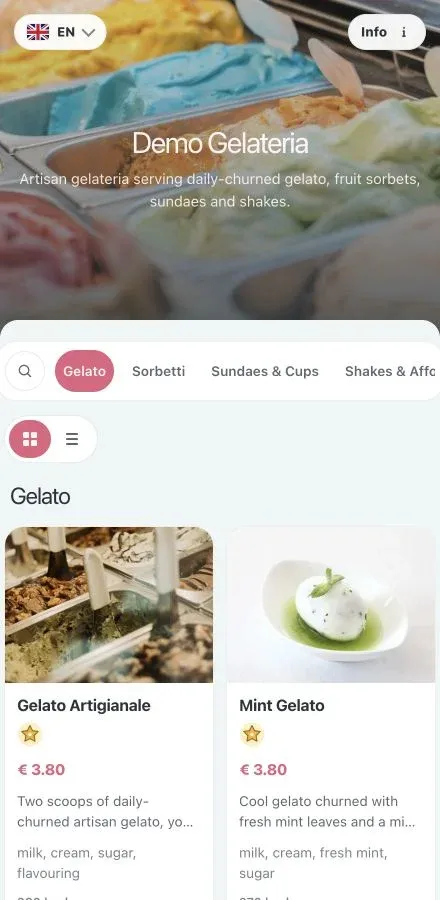
Ice cream shop
Gelato and sorbetti with photos, plus sundaes, shakes and waffles. The lightest palette on this page.
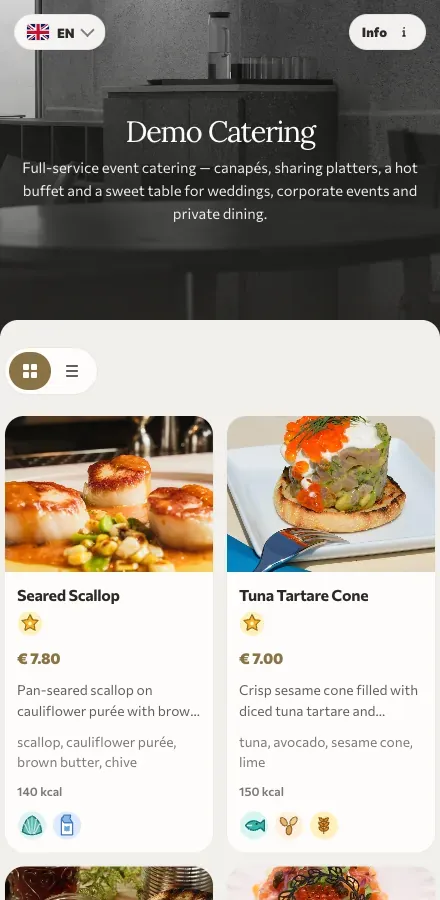
Catering
Canapés, sharing platters, a hot buffet and drinks packages priced per guest — the way a client reads a proposal.
Same product, different look
The ten menus above were styled in the same appearance panel your venue gets. Start from a preset, or match your brand book exactly.
Five ready-made color presets cover the usual venue moods — warm, graphite, sage, aqua and dark. Pick one and you are done, or use it as a starting point.
Enter the values from your brand book for the background, the cards, the accent, the text and the contrast. The preview follows as you type, so you see the guest page before you publish it.
Choose a display font for the venue name and headings, and a body font for dish names and descriptions. Every demo above uses a different pairing.
Upload the header image guests see first, and link your Instagram, Facebook, TikTok, X and Tripadvisor accounts so one QR code leads to your whole venue, not just a list of dishes.
Show photos on the items that deserve them or turn them off for a clean text list, put the currency before or after the amount, choose the decimals, or hide prices for a set menu. Guests can switch between cards and a compact list themselves.
Set the code and background colors, add your own call-to-action line above or below it, pick a print size, and download it as PNG or SVG. The same code keeps working after every menu change.
Next Step
Start with your real content and keep one access point as your offer changes.