Hotels
One hotel QR menu for room service, breakfast and the bar
Guests arrive from a dozen countries, ask about breakfast at midnight, and read whatever is in the room folder. ListoQ gives each outlet its own menu, in the languages your guests read, behind codes you print once.
Why it works
Guests read current prices and hours in the room, so the front desk answers fewer calls that were really about an old card.
The daily reality
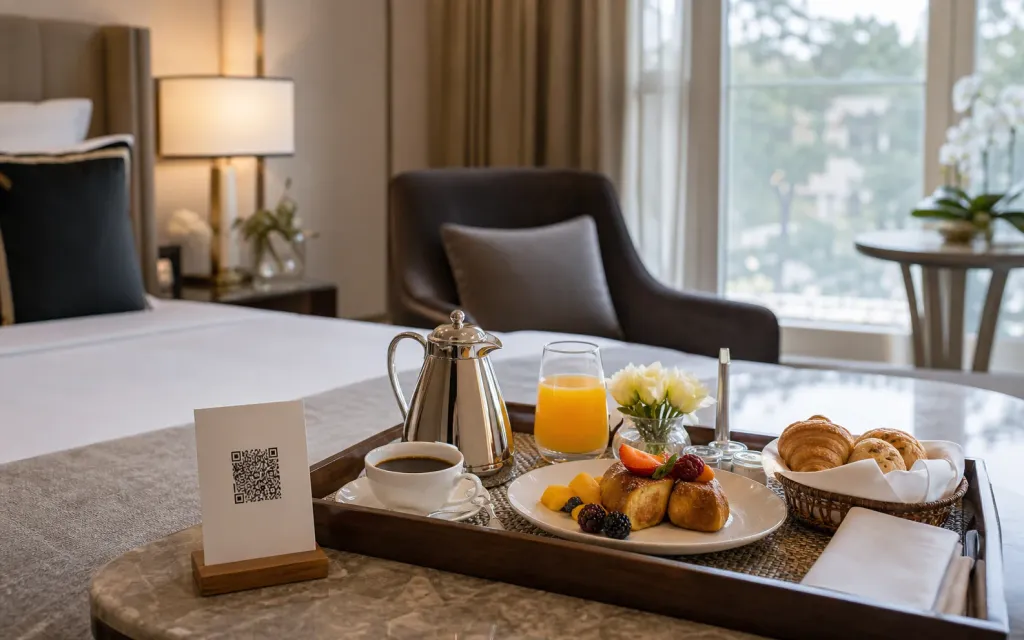
A hotel is several venues behind one front desk. The restaurant, the bar, breakfast and room service each have their own list, their own hours and their own prices, and a guest meets all four through whatever is printed in the room.
ListoQ lets you run a menu for each outlet from one workspace, publish them in the languages your guests actually arrive with, and put a code in the room, the lift and the lobby that keeps working after every price change.
From the team
“A guest meets four menus and one hotel. All four should be current for the same reason.”
The ListoQ team
What makes the difference
From the guest’s first scan to your next update
Three moments decide whether a digital menu is worth having: what the guest sees, how quickly you can change it, and whether one printed code can carry both.
01. Present clearly
A page that reads like the hotel
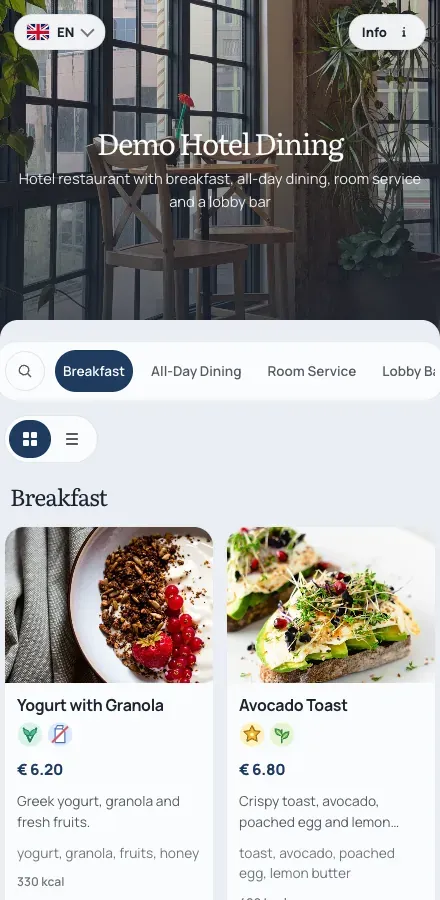
Set the colors, the fonts and the header image so the in-room menu looks like the hotel rather than a generic file, with a photo and a price on every item.
Outlets
A menu each
Run the restaurant, the bar, breakfast and room service as separate menus in one workspace.
02. Manage in admin
Keep every outlet current from one workspace
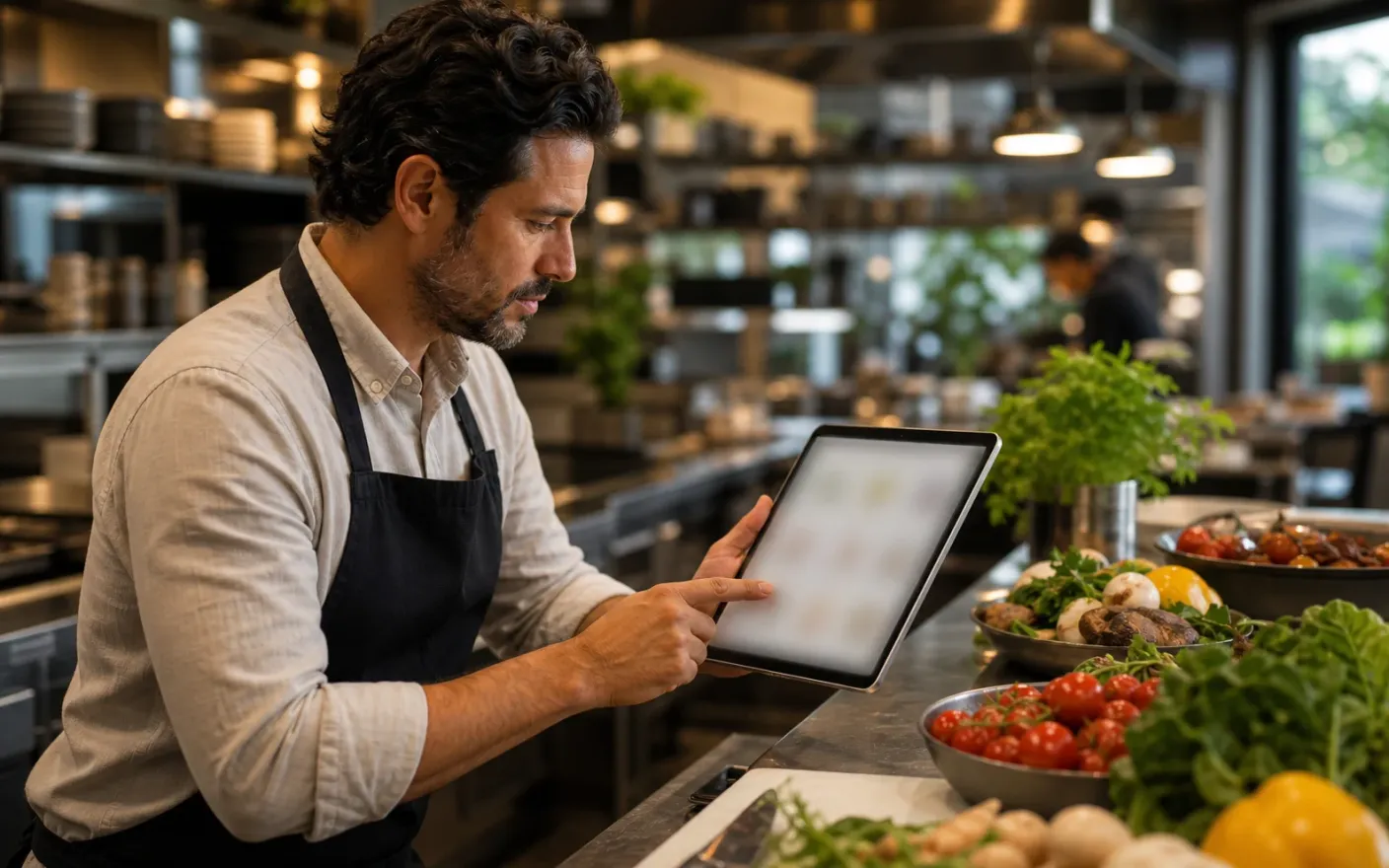
Update breakfast prices, the bar list and the room service card in the same place, and publish each one when it is ready.
Guest languages
One tap to switch
Store every dish name and description per language and let guests switch on the page.
03. Share one access point
Codes in the room that never need replacing
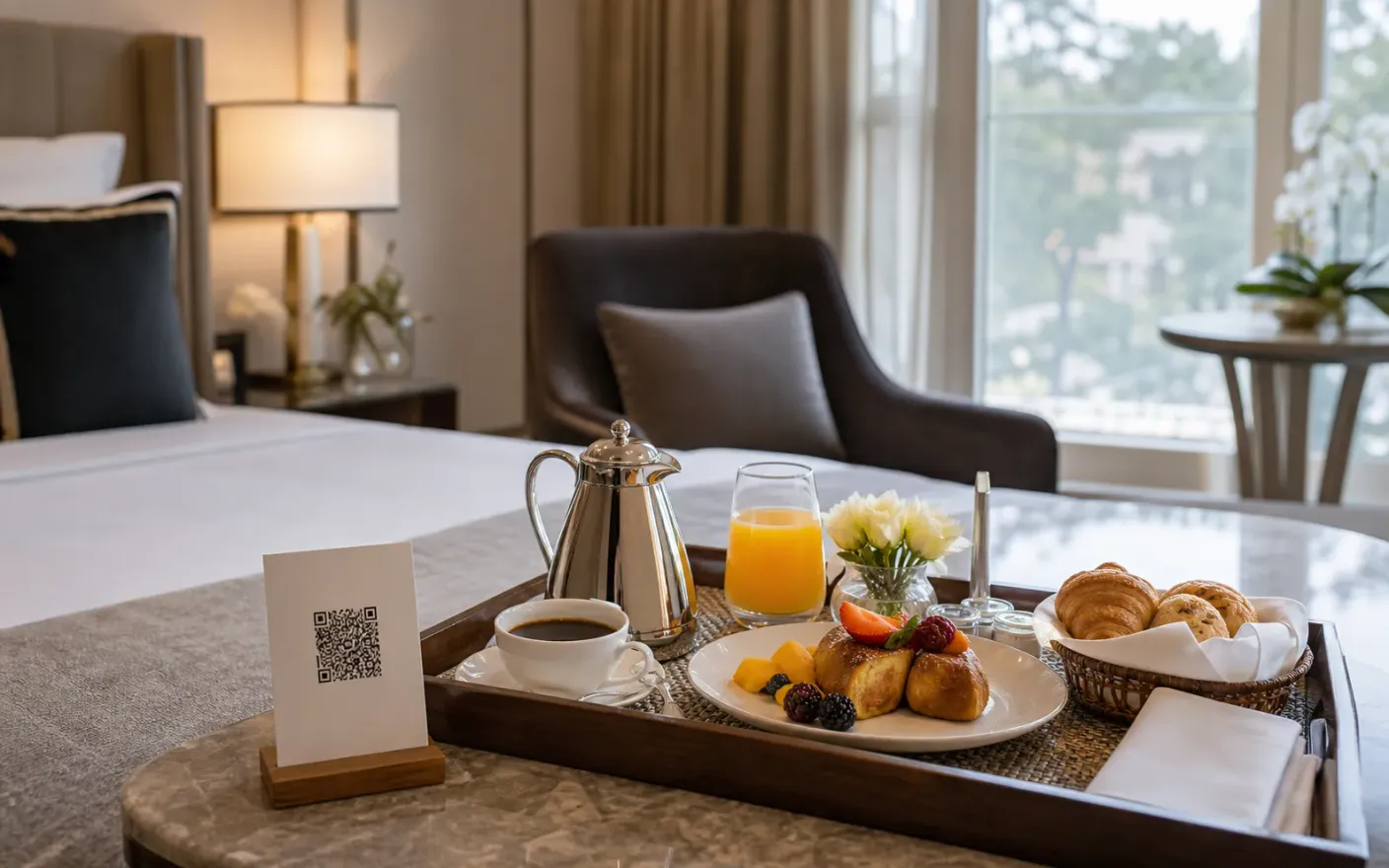
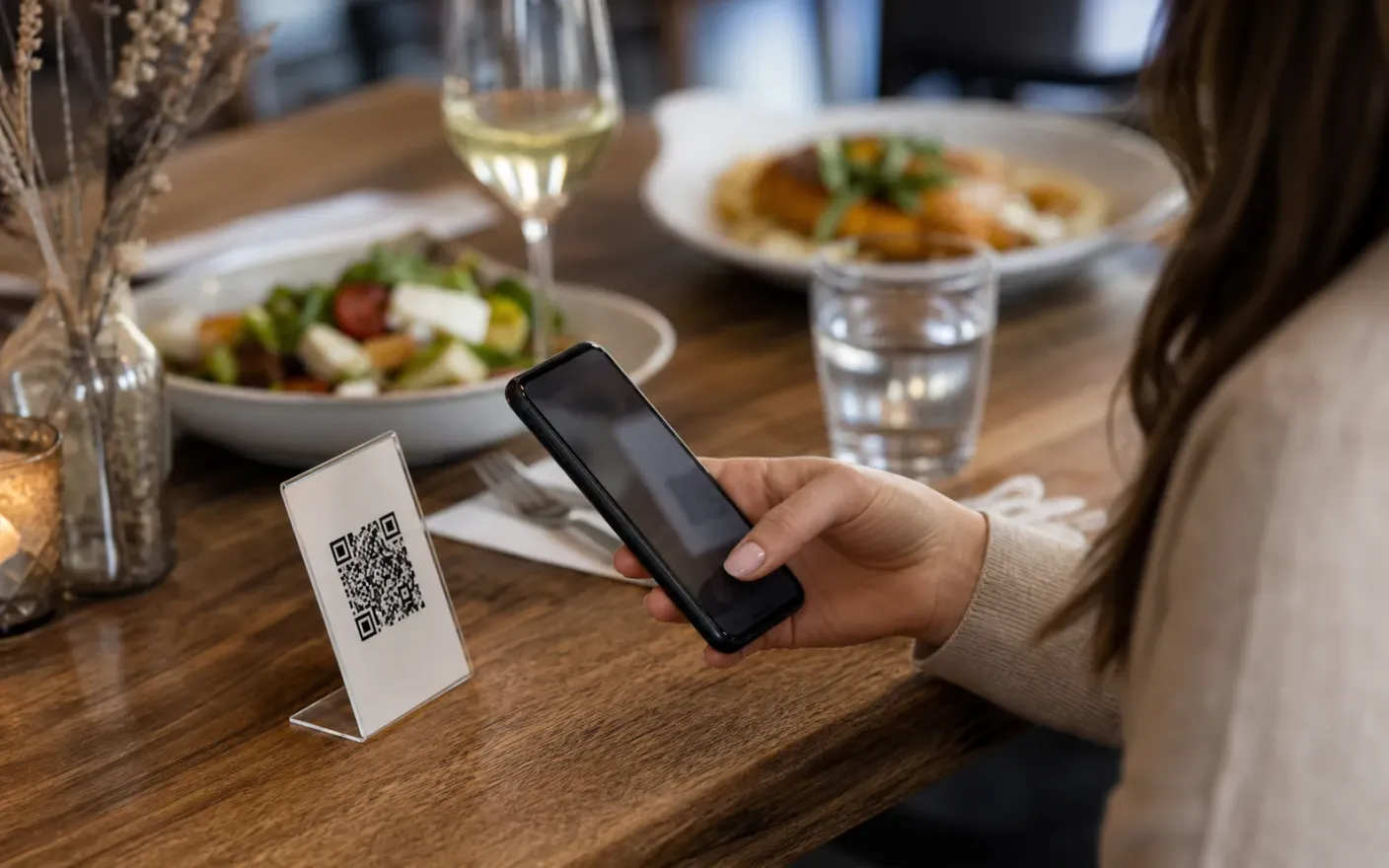
Print the code once for the room folder, the lift and the lobby. It survives new prices, new menus and a change of concept.
Printed codes
Printed once
Codes in rooms, lifts and lobbies keep working after a price change or a full menu rebuild.
After launch
What changes once every hotel menu lives in one place
Guest information that stays right
Always-current pricesGuests read current prices and hours in the room, so the front desk answers fewer calls that were really about an old card.
Menus in the languages guests arrive with
Guest languagesVisitors read dishes and allergens themselves instead of waiting for somebody at reception to translate a page.
One print run instead of a seasonal one
Print-once codesRoom folders and lift codes are printed once, and everything behind them changes as often as it needs to.
Where it breaks down
What goes wrong when a hotel menu cannot keep up
These all end the same way: a guest reading something that was true last week, and a member of staff apologizing for it.
- Problem
Room folders age badly
A laminated card printed for last season sets the guest’s expectation, and the front desk spends the difference in phone calls about prices and opening hours.
- Problem
Every outlet has a different list
Breakfast, the restaurant, the bar and room service are four menus with four sets of hours, and squeezing them onto one printed sheet makes all four harder to read.
- Problem
Guests do not share your language
A menu in the local language only pushes translation onto reception, and pushes guests towards ordering delivery instead of eating with you.
More use cases