Business case

What a venue actually gains from a digital menu

Moving from print to a digital menu is usually sold as a cost saving. That is part of it, but the bigger change is how quickly your menu can follow the kitchen. Here is what actually changes for the venue and for the guest, and what stays exactly as hard as it was.

Updated September 14, 20268 min read

Part 1

Where a printed menu really costs you

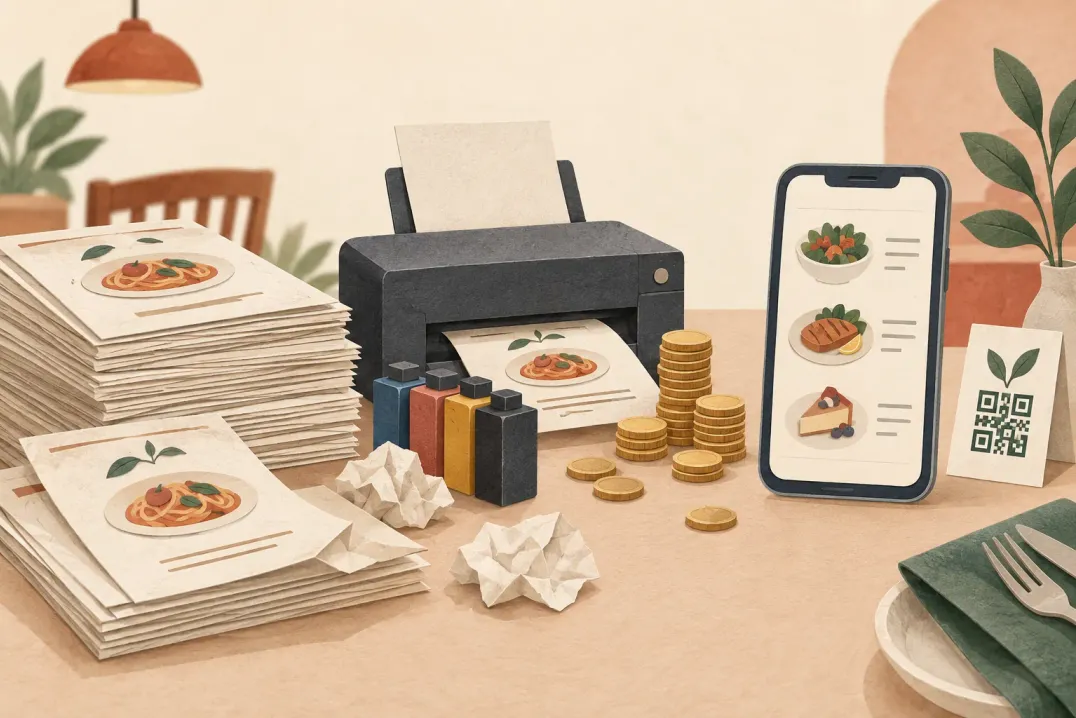
Printing is the visible line. The expensive part is everything that happens between two print runs.

Most venues can quote the printing cost of their menu without thinking. Far fewer can quote what it costs to be wrong for six weeks. That gap is worth looking at, because it is where nearly all of the money sits.

A printed menu freezes your offer on the day it goes to the printer. If a supplier price moves, a dish comes off, or a seasonal item lands early, the menu on the table is now wrong. The venue absorbs the difference, or the floor staff explain it one table at a time, or both. Neither appears as a menu cost in your accounts, but both are paid every service.

The second cost is staff time. Someone rewrites the document, someone proofreads it, someone chases the printer, someone swaps the inserts across every table. On a small card that is an afternoon. On a menu with a wine list and a seasonal insert it is more, and it repeats every time anything changes.

What changesWith a printed menuWith a digital menu
A dish price movesWait for the next print run, or correct it at the tableEdit the price and publish; the next scan shows it
An item comes off the offerStaff explain it table by table until the reprintRemove it from the menu and publish
A seasonal card startsNew insert designed, printed and distributedAdd a category and publish it the same morning
An allergen detail is correctedReprint, or a handwritten note on the pageCorrect the item and publish
Guests read another languageA separate printed version per languageOne menu, translated into the languages you support

Part 2

What changes for the venue

Six differences that show up in the first month, in the order most venues notice them.

None of these are dramatic on their own. Together they turn the menu from something you commit to a few times a year into something you adjust when the kitchen adjusts.

  • Price changes stop waiting for a print run. You edit the item, publish, and the next guest to scan sees the new price.
  • Reprints become the exception. You print the QR code once, and that code keeps pointing at a menu whose content you keep changing.
  • Allergen information stops being a separate conversation. Each dish carries its own allergen list, drawn from the 14 EU allergen categories, so the answer sits on the page rather than in someone's memory.
  • Seasonal changes stop being a project. Adding a category takes minutes, so there is no reason to postpone it to the next big menu revision.
  • You get one address to put everywhere. The same link works on the table, in the window, in a social profile, and in a message to a guest asking what you serve.
  • Menu work stops depending on a designer. Someone on your own team makes the change, which usually means it happens the day it is needed.

Part 3

What changes for the guest

The guest side is smaller than vendors claim, but it is not nothing.

Guests do not care that your menu is digital. They care whether they can read it, whether it is accurate, and whether it answers the question they came in with. A digital menu helps with all three, mostly by removing constraints that paper imposes.

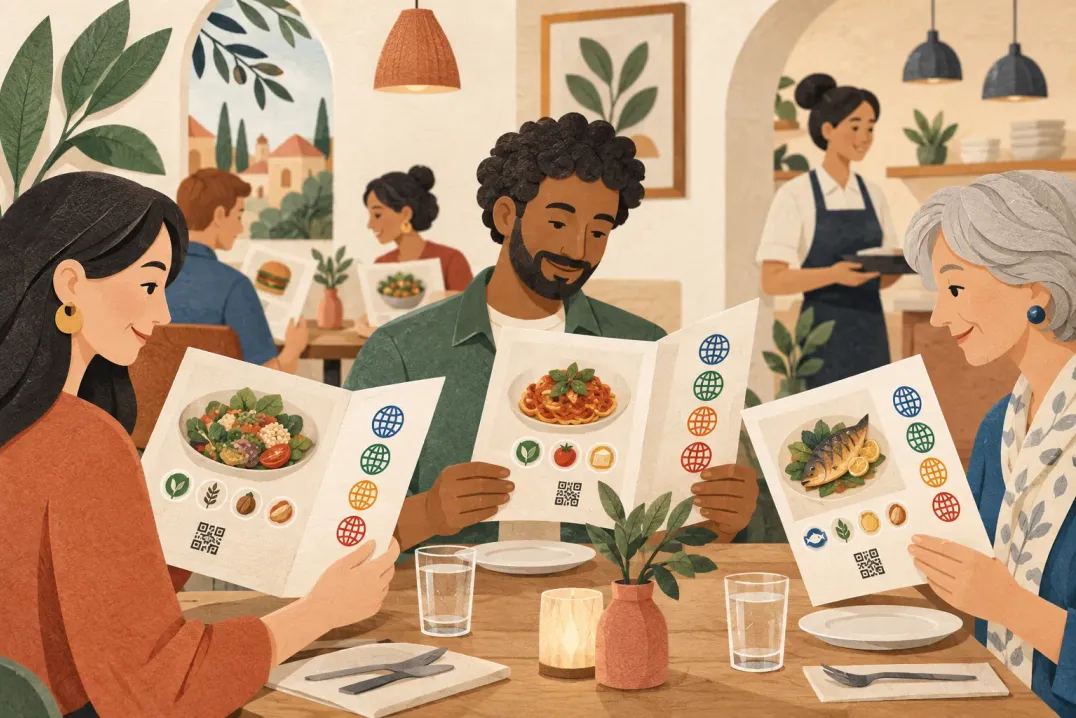
  • Photos become affordable. A printed menu with a photo per dish is expensive; a page is not, so a guest can see the dish before ordering.
  • Descriptions get room. Paper forces you to cut a dish description to fit the column. A page does not.
  • The allergen question gets an answer without asking. Guests who need to check can check quietly, at their own pace.
  • Reading in your own language stops being a favour. The menu can carry translations for the languages your guests actually arrive with.
  • The price on the page is the price. No crossed-out lines, no stickers, no apology from the server.

Part 4

What a digital menu does not fix

Worth saying plainly, because the switch gets oversold.

A digital menu is a faster way to publish menu content. It is not a way to write better menu content. If your categories are unclear, your descriptions vague, or your prices inconsistent, moving them onto a page makes those problems visible to more people, more quickly.

It also does not remove the need for a readable physical anchor. Guests still need to know that a menu exists and where to find it. A small card with a QR code and one line of instruction does more for adoption than any feature on the menu itself.

Structure first, then publish

If you are already unhappy with your menu, fix the categories and the wording before you move it online. The switch multiplies whatever you start with.

Part 5

How to tell whether the switch worked

Four checks you can run yourself after a month, without an analytics project.

Most venues never verify the change, which is why the benefits stay anecdotal. These four checks take about an hour in total and give you something concrete to compare against next quarter.

  1. 01

    Count the reprints you did not do

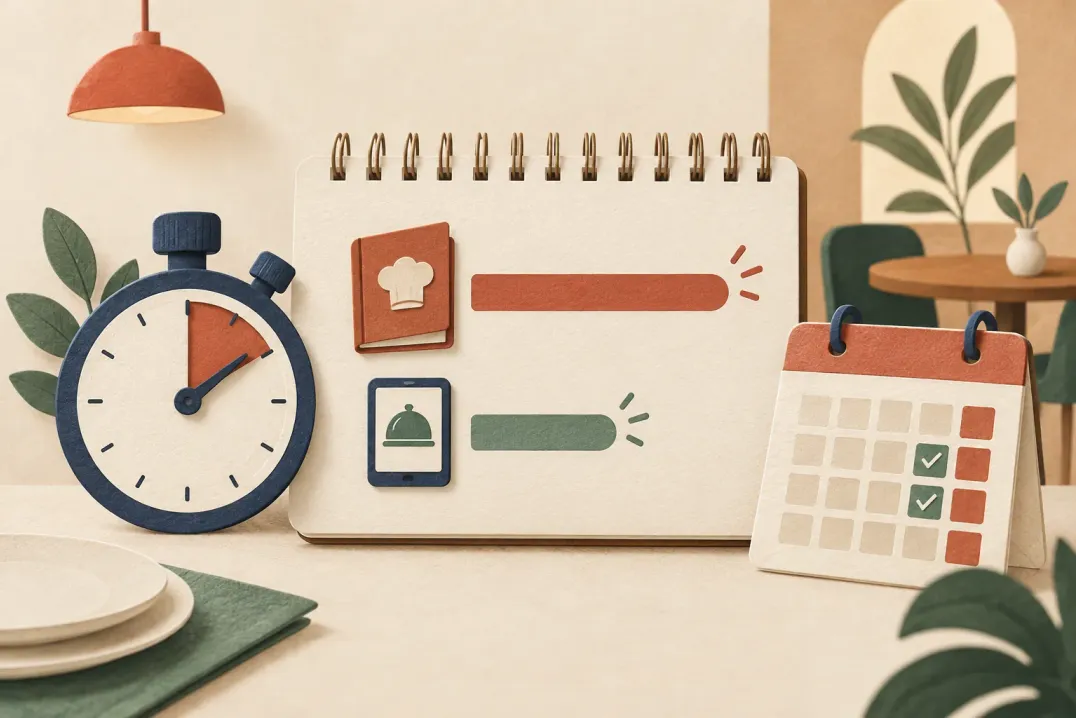
    List every change you made to the menu in the last month. Each one that would previously have waited for a print run is a reprint avoided, and a stretch of being wrong that you avoided with it.

  2. 02

    Time one menu change end to end

    Pick a real change, such as a price or a new dish, and time it from decision to published. Compare that against what the same change used to cost you in hours and days.

  3. 03

    Ask the floor what guests still ask

    If servers are still answering the same questions about allergens or portion sizes, the menu content is not carrying the answer yet. That is a writing fix, not a platform fix.

  4. 04

    Read the menu on a phone in your own room

    Sit at the worst-lit table, scan the code, and read the menu the way a guest would. Most problems blamed on digital menus turn out to be lighting, code placement, or type size.

Part 6

Which venues gain the most

The size of the gain tracks how often your menu changes.

The venues that gain most are the ones whose menu already wants to move faster than print allows. If your card is genuinely fixed year-round, the case is weaker and rests mostly on reach and allergen clarity.

Run the list below. Three or more matches usually means print is the constraint, not the budget.

  • Your prices moved more than twice in the past year.
  • You run seasonal, daily, or weekend-only items.
  • A meaningful share of your guests do not read your default language.
  • You get regular allergen or ingredient questions at the table.
  • Your menu currently lives in a document that one person maintains by hand.

Questions

Questions this article gets asked

Does a digital menu replace the printed one completely?
It does not have to. Many venues keep a small printed card for the fixed part of the offer and use the digital menu for everything that moves: prices, specials, seasonal items, allergen detail. The QR code is what connects the two.
How quickly does a change reach guests?
As soon as you publish it. What you edit is a draft, and publishing is what makes it the version guests see, so you can prepare a seasonal change over several days and release it all at once.
What happens to printed QR codes when the menu changes?
Nothing. The code holds your menu address, not a copy of the content, so you can rewrite the entire menu and the codes already on your tables keep working.
Is a digital menu worth it for a very small menu?
It depends on how often that small menu changes. A ten-item board that changes weekly gains more than a forty-item card that never moves. The deciding factor is change frequency, not menu size.
Can a digital menu show allergen information?
Yes, and more reliably than a printed card. Each dish carries labels for the 14 EU allergen categories and for vegetarian or vegan options, and the labels stay correct in every language the menu is published in.

Next Step

Want to turn your food and drink menu into a clear customer page?

Start with your real content and keep one access point as your offer changes.