
Cafes
A cafe QR menu you can update between two orders
Most cafes are run by the people also making the coffee. ListoQ keeps the specials, the cakes and the prices current in the minute it takes to clear a table, with no designer, no reprint and no second job.
Why it works
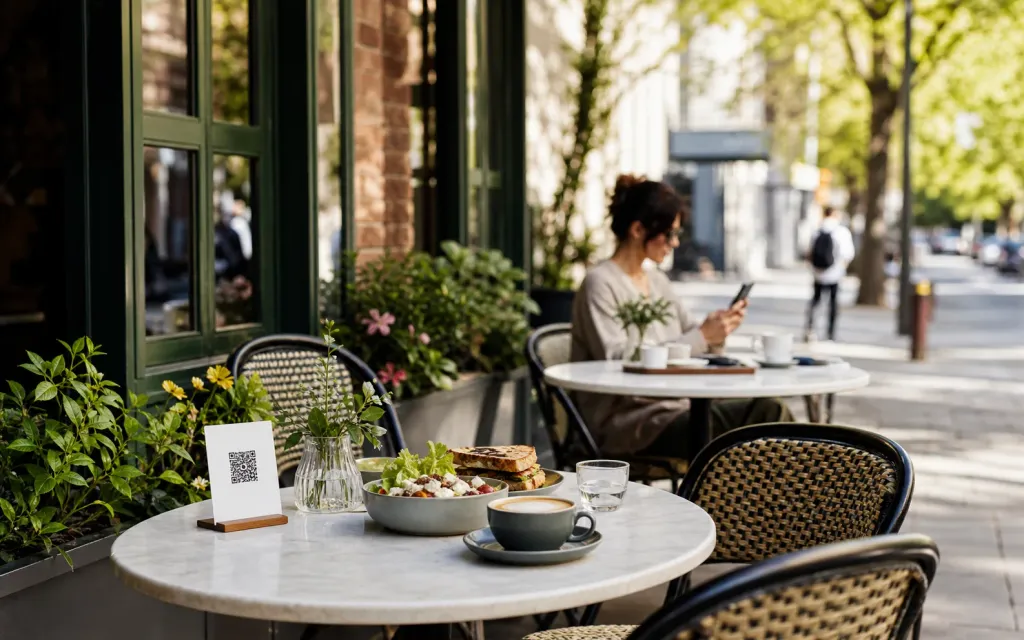
Anyone with the link sees today’s cakes and dishes, not only the guests who walked past the board.
The daily reality
In a small cafe the person who would update the menu is also the person on the machine, the till and the pass. Anything that needs a designer, a print shop or an evening at a laptop simply does not get done.
ListoQ is built for that. Change a price, add today’s cake, hide what has gone, all from the phone in your apron in the gap between two orders, and the code on the table is current on the next scan.
From the team
“In a small cafe the person who would update the menu is already busy. So the update has to fit in a minute.”
The ListoQ team
What makes the difference
From the guest’s first scan to your next update
Three moments decide whether a digital menu is worth having: what the guest sees, how quickly you can change it, and whether one printed code can carry both.
01. Present clearly
A page that looks like the room
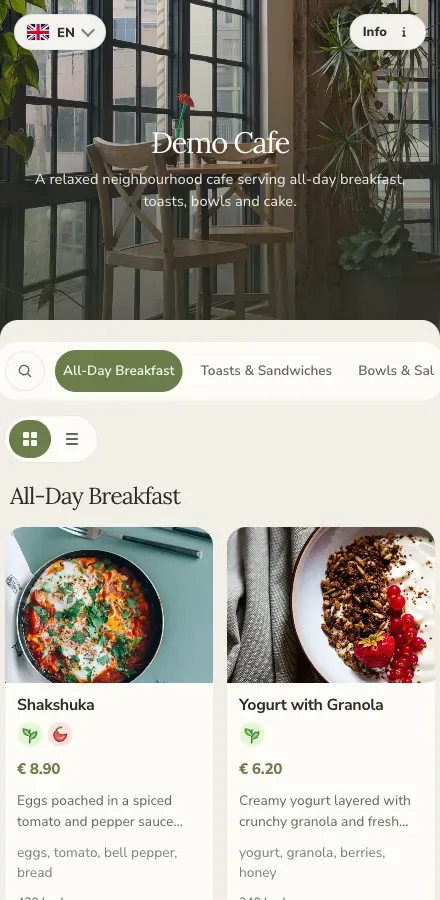
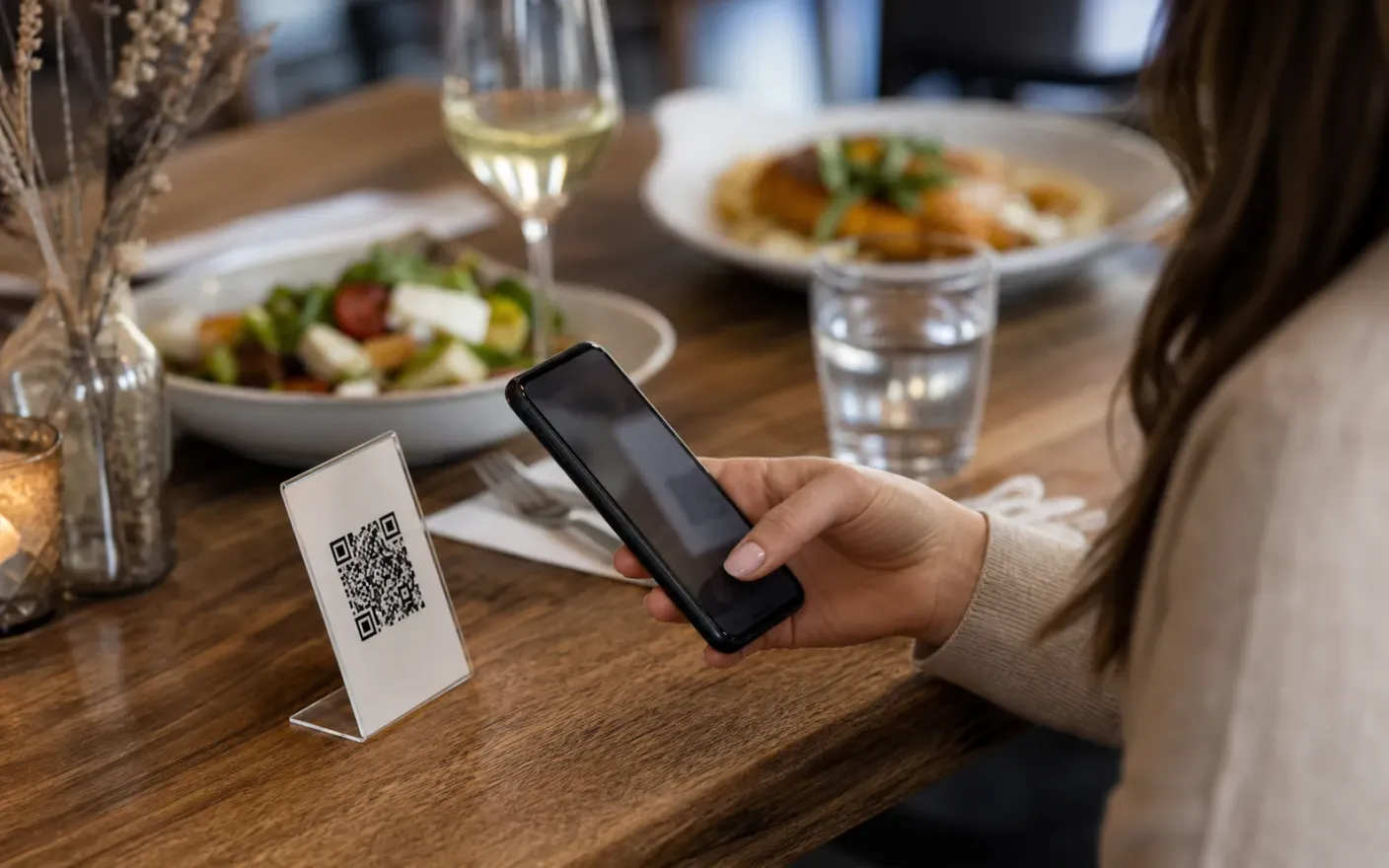
Colors, fonts, a header image and a photo on every dish, so the page a guest opens at the table feels like the place they walked into.
Today’s special
Published, not chalked
Put the special on the page guests are already holding, not only on the board by the door.
02. Manage in admin
Edits that fit inside a shift
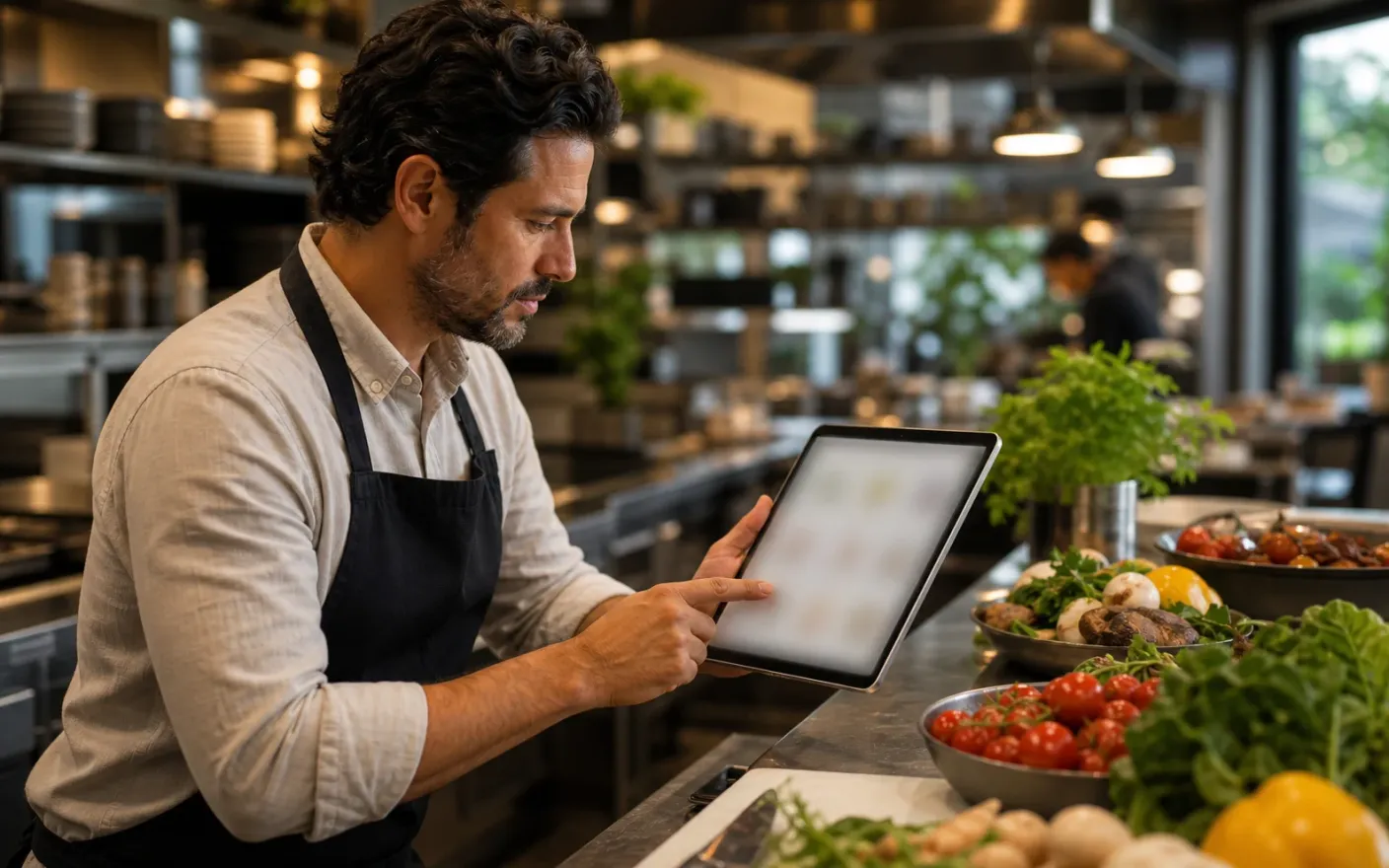
Add the special, change a price, hide what has run out. It is a phone, a minute and a publish, not a project for the evening.
An edit
Under a minute
Change a price, hide a sold-out cake or add a dish from your phone, mid-shift.
03. Share one access point
One code on the table, the window and your profile
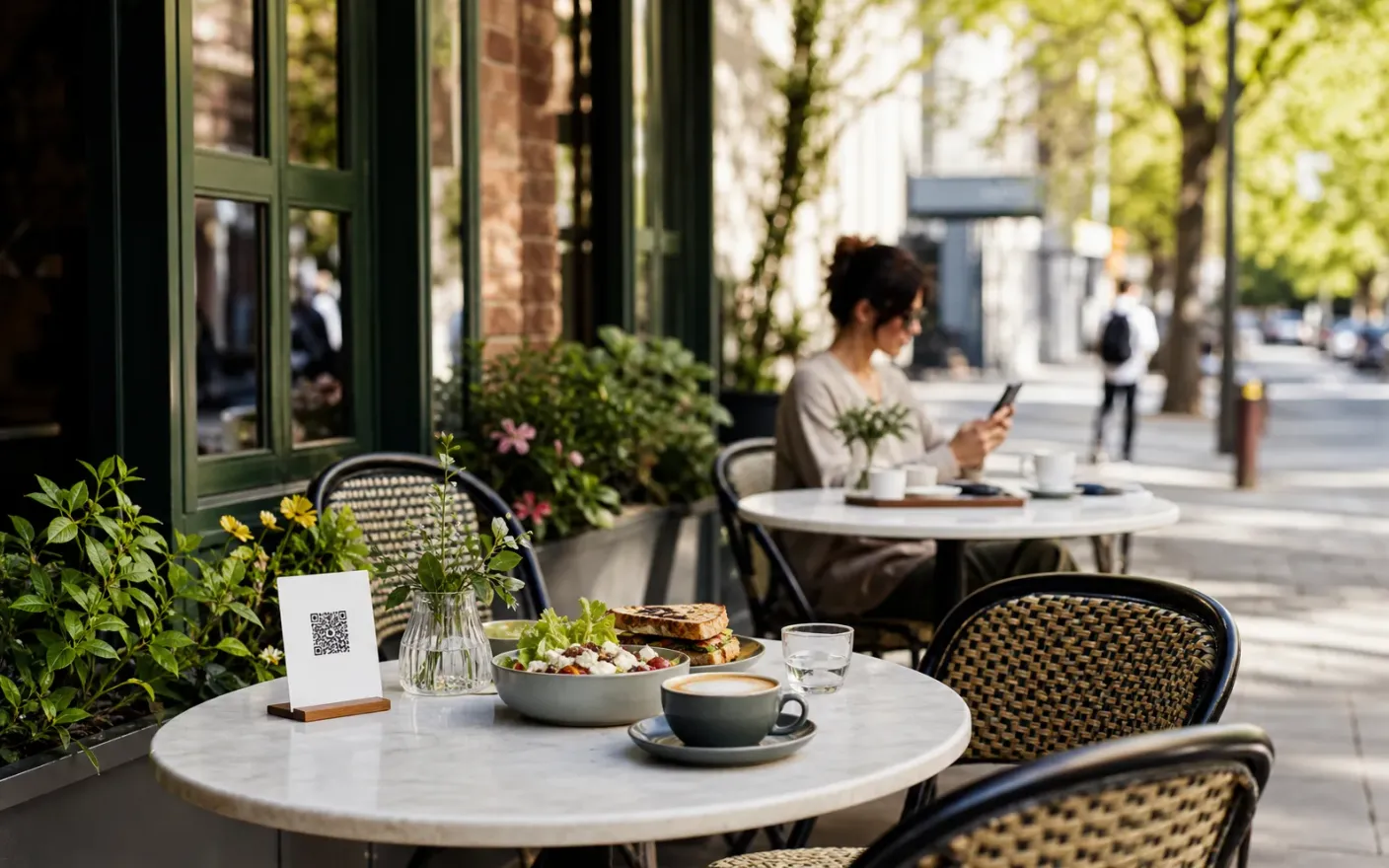
Print it once for the table, stick it in the window, drop the link in your bio. All three keep working whatever you change behind them.
The page
Styled like the room
Set colors, fonts and a header image so the menu looks like your cafe, with no design work.
After launch
What changes once the cafe menu lives in one place
Specials that reach people outside the room
Daily specialsAnyone with the link sees today’s cakes and dishes, not only the guests who walked past the board.
No waiting on anyone to change a price
One-minute editsThe menu stops being something you have to ask for and becomes something you do while the kettle boils.
A page that matches the care in the food
Looks like your cafePhotos, your colors and your fonts hold the menu to the same standard as the room and the plates.
Where it breaks down
What goes wrong when a cafe menu cannot keep up
These all end the same way: a guest reading something that was true last week, and a member of staff apologizing for it.
- Problem
The special is the thing that never gets published
It is written on a board by the door, so it reaches the people already inside and nobody else: not the guests looking at their phone, and not the ones deciding out on the pavement.
- Problem
Updating means finding somebody
When the menu lives in a design file or on someone else’s website, a fifty-cent change waits on a favor, an invoice or a free evening.
- Problem
A plain list undersells the food
A typed sheet says nothing about a kitchen that bakes its own cakes. Guests decide with their eyes, and there is nothing there to look at.
More use cases
Other venue types using the same menu builder
Related pages