Article

What to do when a dish sells out

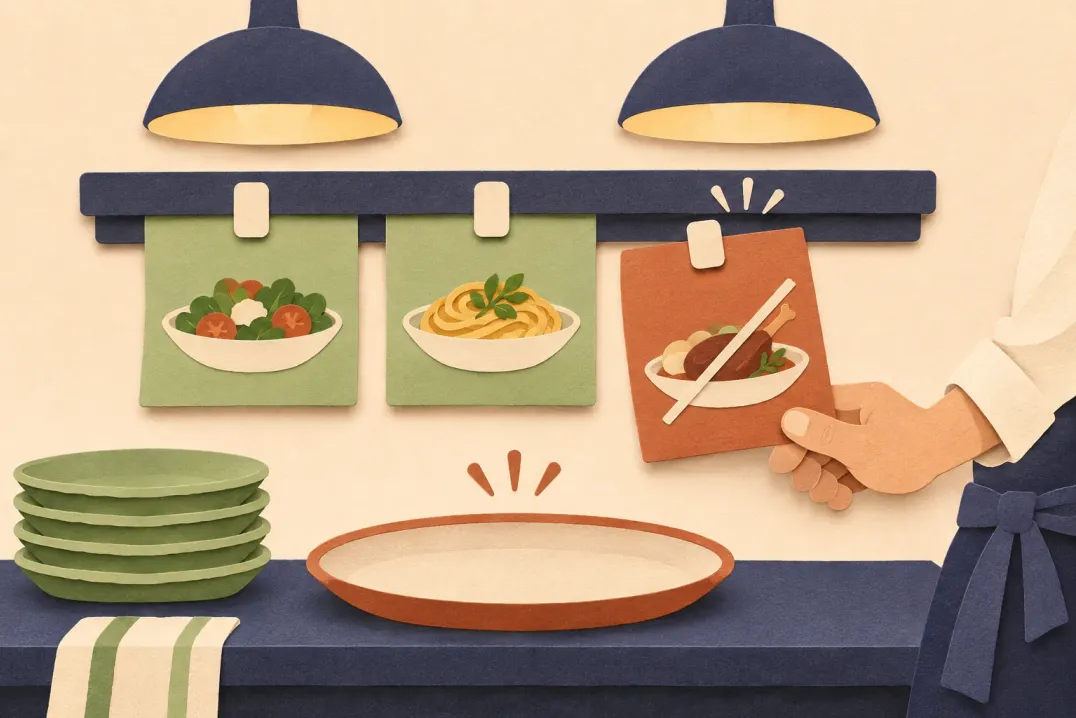
When the last portion goes, tell the floor team and hide that dish from the guest menu. If only one size is unavailable, keep the rest on the menu. The job is done when a guest scanning the table code sees what the kitchen can serve now.

Updated November 16, 20263 min read

Part 1

Decide what to take off the menu

Start with what the kitchen can still serve.

If the kitchen confirms it can’t make any more mushroom risotto this shift, hide the risotto. There’s no need to delete a dish you plan to bring back. In ListoQ, hiding the item keeps its photo, description and prices in your workspace.

Suppose the bar has stopped serving a wine by the glass but still has full bottles for sale. Keep the wine visible. In ListoQ you can edit the sizes: note the glass price before removing that option, and check that the bottle still shows the right price.

If there’s one portion left

Tell staff who can confirm it’s still available before taking an order. Once that portion is spoken for, make the menu change.
Part 2

Publish the change during service

Use the code on the table for your final check.

  1. 01

    Tell the floor team first

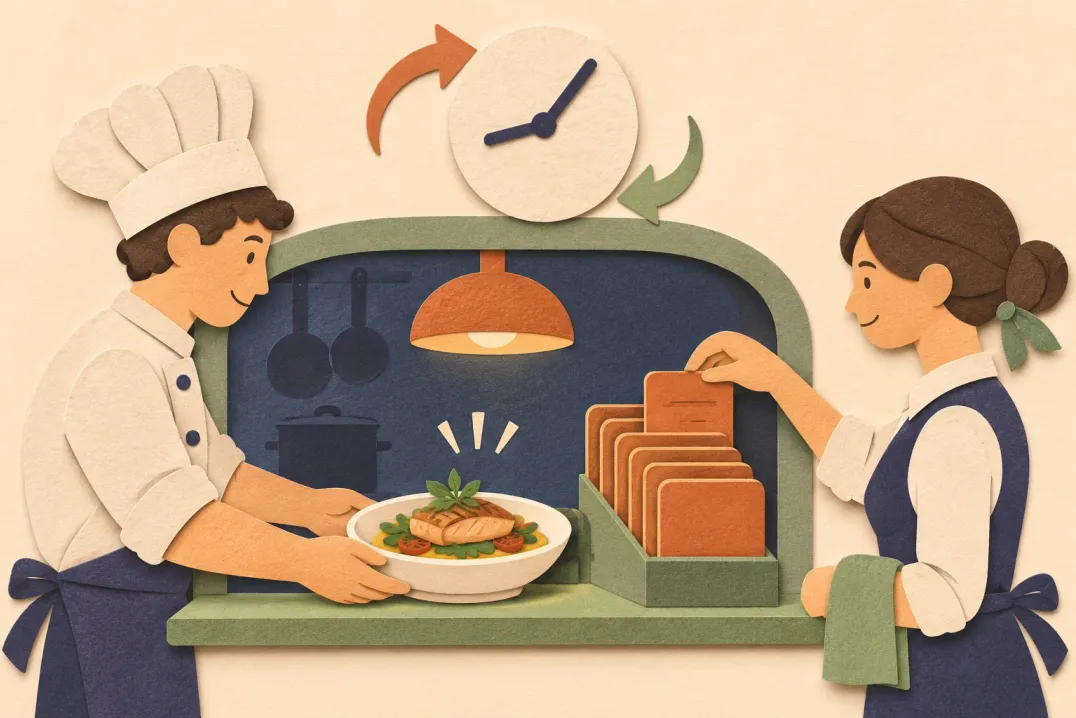
    Name the exact dish or size and suggest an alternative they can offer right away. That covers the tables that already have the menu open.

  2. 02

    Open the menu guests are using

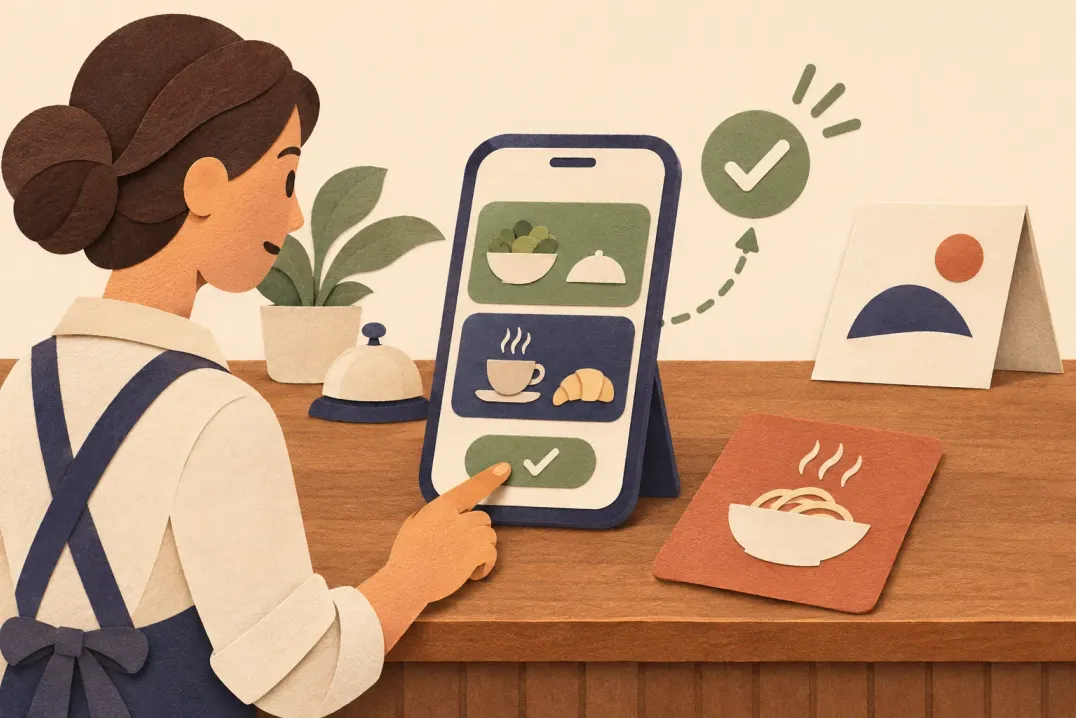
    In ListoQ, find the live menu and change the item in its draft. Hide the whole item or edit its sizes, then save.

  3. 03

    Review the draft and publish

    Check that other draft edits are ready to go live too. If they’re unfinished, coordinate with whoever is editing the menu before publishing.

  4. 04

    Scan the table code again

    Open a fresh copy of the guest menu on your phone. Check the category and, if you changed a size, open the item and check its remaining price.

Part 3

Put the dish back when it’s ready

Make it part of the next shift’s handover.

Leave a short note with the hidden item, the size and price to restore if needed, and who will confirm it’s ready. For example: “Mushroom risotto hidden; evening lead checks with the kitchen before service.”

  • Confirm the dish is ready to serve before putting it back.
  • Show the item again or restore the missing size. Check the price and publish.
  • Open the guest menu and tell staff the dish is back once you’ve checked it.

Questions

Questions this article gets asked

What about guests who already opened the menu?
Ask them to refresh or scan again. Let staff know what’s changed so they can help anyone who is still looking at the earlier version.
Do I need new table cards when a dish comes back?
With a ListoQ venue QR code, no. The same code opens the venue’s published menu after you restore the dish and publish.

Next Step

Want to turn your food and drink menu into a clear customer page?

Start with your real content and keep one access point as your offer changes.