
Overview
What this menu has to do
A cafe menu is read twice by the same guest: once while deciding at the counter, and again at the table wondering whether to add something. It has to work as a quick list and as a browse, which is why the sections below stay short and clearly separated.
Keep the four sections, adjust the counts to your kitchen, and write each item once — name, description, price, allergens — so the same entry serves the counter, the table and a link you send a regular.
Structure
The categories, in reading order
Keep the order, adjust the counts to your kitchen.
- 01
Breakfast and pastries
5–8 itemsRead first, and usually before eleven. Keep it to things you can hold all morning, and say plainly which are served warm.
- 02
All-day plates
6–10 dishesThe section that keeps a guest past a coffee. Soups, salads and toasties that hold their quality between lunch peaks.
- 03
Sweets
3–5 itemsBought on impulse at the counter, so the names have to work without a photograph. Three or four is enough.
- 04
Drinks
8–14 itemsUsually the longest list and the most scanned. Split coffee, tea and cold drinks, and show the size next to the price.
Worked example
What one finished entry looks like
One dish from each category, written the way a guest should read it.
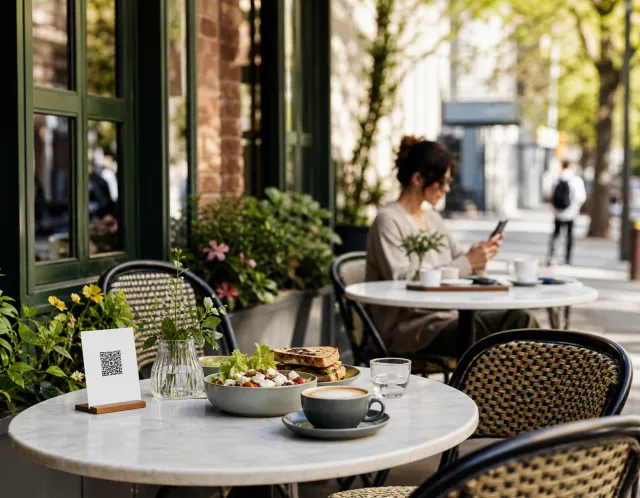
This is how the same four entries reach a guest: one page, opened from a QR code or a link.
Example content for illustration. Prices are shown with the same formatting a published ListoQ menu uses.
Writing notes
Three things worth getting right
Say when something stops being available
A breakfast item served until noon should say so on the entry, not on a sign by the door. It saves both the question and the disappointment.
Write for the counter queue
Guests read a cafe menu standing up with people behind them. One line per item beats a paragraph nobody finishes.
Mark the milk, every time
Milk is one of the 14 EU allergen categories and it runs through most of this menu. Tag it per item so a guest can filter instead of asking.
Questions
Common questions about this menu
- How many items should a cafe menu have?
- Between 20 and 35 items across food and drink suits most cafes, and the counts on this page add up to that range. Past it the counter slows down and prep waste rises on whatever sells least.
- Should drinks come first or last on a cafe menu?
- Last, but clearly visible. Guests who came for a drink already know what they want and will scroll to it; guests who came to eat need the food first. A separate drinks section at the end serves both without splitting the menu in two.
- Do I have to list allergens on a cafe menu?
- In the EU, information about the 14 named allergen categories has to be available to guests for every unpackaged item sold, drinks included. Structured labels per item keep that correct in every language the menu is published in.
- How do I show drinks that come in several sizes?
- Add the sizes to the drink itself, each with its own price, rather than listing the same latte three times. The menu stays shorter and guests compare sizes at a glance.
- What do I do when an item sells out during the day?
- Hide the item in the editor and publish. It disappears from the guest menu but stays in your list, so you show it again and publish when it is back.
More templates
Other menus you may be building
- Coffee shop menu templateA coffee shop menu structure you can start from: four sections, how many items each should hold, and a worked example with prices and allergens.
- Bar menu templateA bar menu structure you can start from: four sections, how many drinks each should hold, and a worked example with prices, sizes and allergens.
- Bakery menu templateA bakery menu structure you can start from: four sections, how many items each should hold, and a worked example with prices and allergen labels.