
Overview
What this menu has to do
A food truck menu is read from a queue, in weather, on a phone or a board four metres away. Everything about it has to be shorter than a restaurant menu: fewer items, shorter names and prices that are readable at a glance.
Keep the four sections, adjust the counts to your pass, and write each item once — name, description, price, allergens — so the same entry works on the window board and in a link a guest opens while walking over.
Structure
The categories, in reading order
Keep the order, adjust the counts to your kitchen.
- 01
Mains
4–6 itemsThe whole reason for the queue. Six is plenty: a truck listing ten mains is slower and wastes more than one listing six.
- 02
Sides
3–5 itemsOrdered as an add-on, not a decision. Keep them to things that come out of the same fryer or pass as the mains.
- 03
Sauces and extras
3–6 itemsPriced individually and easy to leave off a menu. Listing them raises the average ticket without slowing the pass.
- 04
Drinks
4–6 itemsCans and a couple of made drinks. Show the size: a can and a cup are different purchases at the same price.
Worked example
What one finished entry looks like
One dish from each category, written the way a guest should read it.
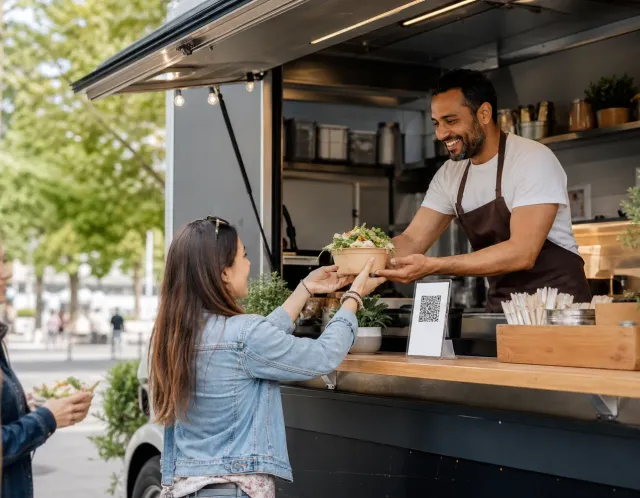
This is how the same four entries reach a guest: one page, opened from a QR code or a link.
Example content for illustration. Prices are shown with the same formatting a published ListoQ menu uses.
Writing notes
Three things worth getting right
Short names win at a window
A guest four metres back is reading the name, not the description. Keep names to three words and let the line underneath do the explaining.
Say what has sold out
Trucks run out, and guests accept that. Marking an item unavailable the moment it goes stops the same conversation repeating for an hour.
Round the prices
Cash is still common at a window and change slows the queue. Prices that round cleanly move the line faster than prices that do not.
Questions
Common questions about this menu
- How many items should a food truck menu have?
- Between 12 and 20 items across all four sections. The counts on this page add up to that range, which is roughly what one pass can hold without slowing service or leaving waste at the end of the day.
- Should a food truck menu change by event?
- The structure should not; the items can. Keeping the same four sections means a guest who found you at one event can read the menu at the next one without relearning it.
- Do food trucks need allergen information?
- In the EU, information about the 14 named allergen categories has to be available for every unpackaged item sold, and a truck is no exception. Structured labels per item are easier to keep correct than a board that has to be rewritten.
- How do I keep one QR code when the menu changes by event?
- The code on the truck points at your venue, not at a menu version. Keep a menu for each type of event and switch which one is live, or edit the items and publish; the same code always opens the current menu.
- What should I do when an item sells out mid-service?
- Hide it in the editor and publish, and it disappears from the guest menu. It stays in your list, so bringing it back for the next event takes one switch and a publish.
More templates
Other menus you may be building
- Hotel menu templateA hotel food and beverage menu structure: four services, how many dishes each should hold, and a worked example with prices and allergen labels.
- Ice cream shop menu templateAn ice cream shop menu structure: four sections, how many flavours each should hold, and a worked example with prices, sizes and allergen labels.
- Catering menu templateA catering menu structure you can start from: four sections, how many dishes each should hold, and a worked example with prices and allergen labels.